Test the new Windows 11 Search preview for faster results and task actions
Microsoft is rolling out a preview of its redesigned Windows 11 Search to Insider users, featuring a cleaner interface, inline actions, and improved accuracy for finding files and settings.
Key points
- The new Search experience is currently available as a preview through the Windows Insider Program.
- Users can perform tasks like toggling Bluetooth or dark mode directly from the Taskbar search box.
- Future updates plan to add file previews, richer web results, and deeper Copilot integration.
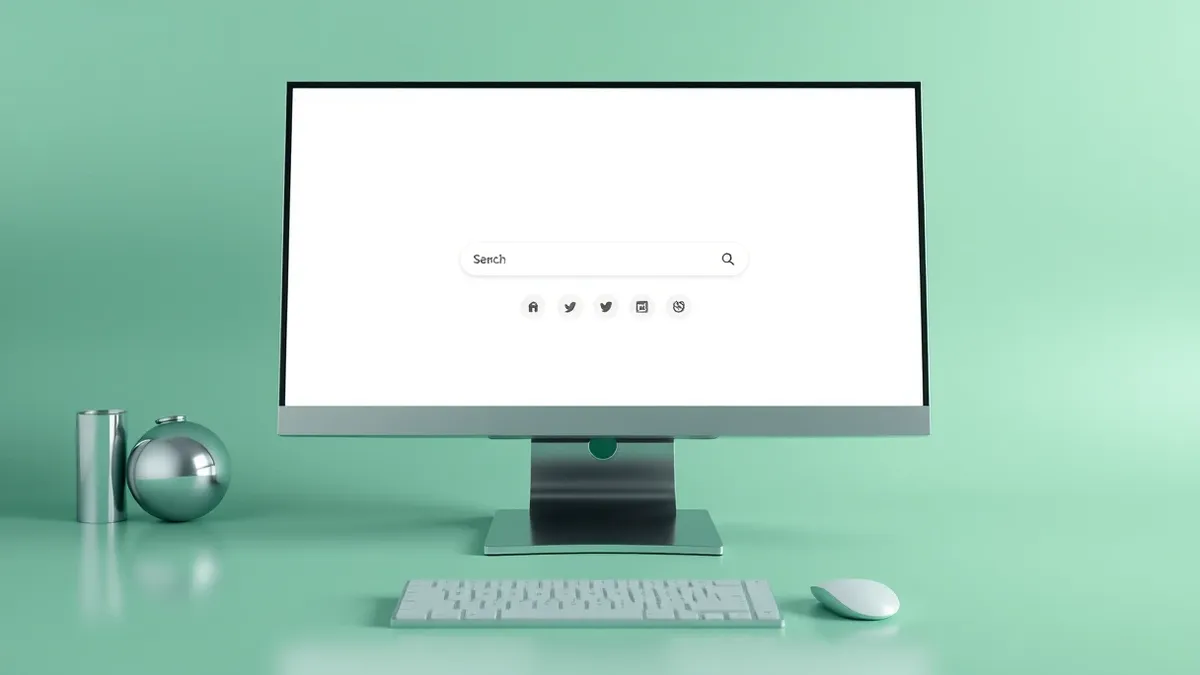
Microsoft is distributing a preview of its redesigned Windows 11 Search to users enrolled in the Windows Insider Program. According to Windows Central, this overhaul aims to make the search feature faster, more accurate, and more useful for everyday tasks. The update moves beyond simple file and app discovery by allowing users to execute common commands directly from the Taskbar. This shift represents a significant change in how users interact with the operating system's core navigation tools.
In plain English
The traditional Windows Search tool has long struggled with performance and accuracy when interpreting user queries. The new design addresses these issues by using a modern interface framework called WinUI 3. Microsoft states that this technical change improves speed and reduces memory usage. It also helps the system better understand typos and synonyms, making it easier to find what you need without exact spelling. This means the search bar becomes a more reliable entry point for daily computer tasks.
View the original post on X
The background
The legacy Windows Search experience was primarily built to locate applications, files, settings, and web results. However, its ability to correctly interpret complex or misspelled queries has often been questioned by users. The new experience retains this core functionality but adds significant capabilities. It allows users to perform specific actions directly from the Search box in the Taskbar. For instance, typing "switch to dark mode" or "turn on Bluetooth" executes the command immediately. This eliminates the need to open separate settings menus or navigate through multiple screens.
What changes now
The current preview focuses on this streamlined interface and inline action capabilities. Microsoft plans to introduce additional features later this year. These upcoming improvements include inline file previews, which allow users to view document contents without opening them. The company also intends to add richer web results, such as information cards for weather and stock prices. Furthermore, deeper integration with the Start menu is scheduled for 2027. Copilot integration will also be added, letting users view AI answers directly in the Search interface.
Key terms explained
Preview software is an unfinished version released to a limited group for testing. It may contain bugs or missing features compared to the final release. System administrators should evaluate whether enabling preview channels on production devices aligns with their stability requirements. Insider programs allow users to provide feedback before features reach the general public. Testing new interfaces helps identify usability issues early. Teams usually monitor these previews to anticipate changes in user behavior or system resource usage.
WHAT