Check Battery Life After Samsung’s One UI 9 Update on Galaxy S24 and S25
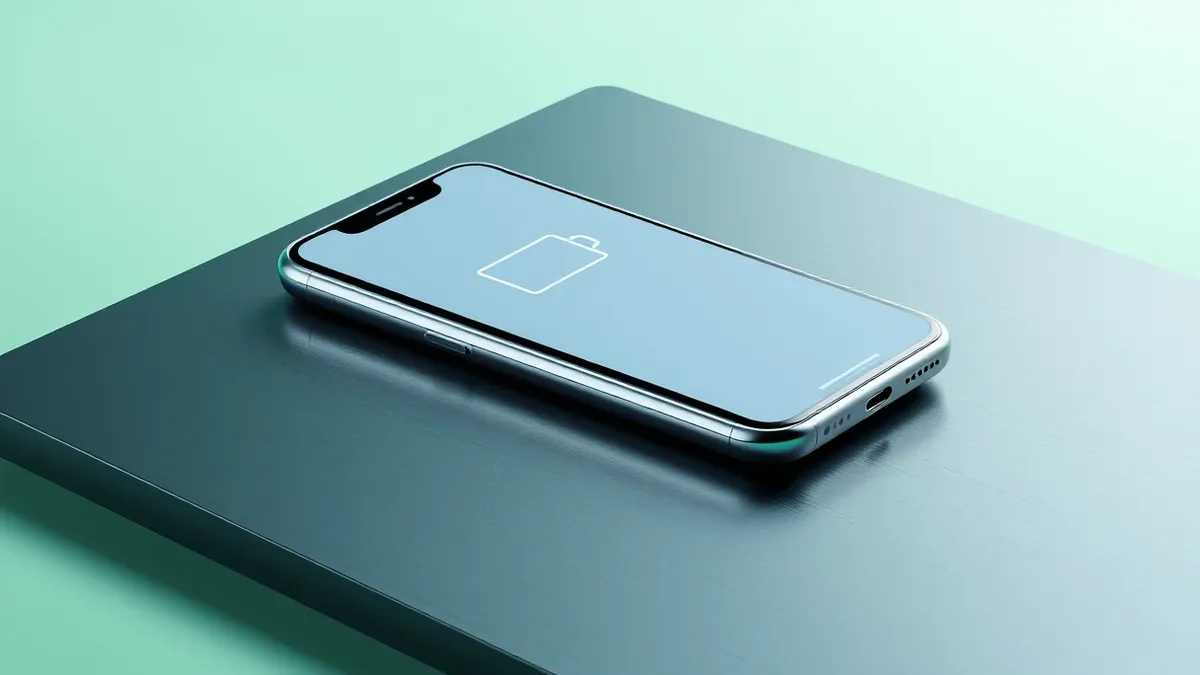
Some Galaxy S24 and S25 users report significantly reduced battery life following the Android 17-based One UI 9 update, though the issue appears isolated.
Key points
- Samsung’s latest Android 17-based One UI 9 update is causing battery drain for some Galaxy S24 and S25 owners.
- Reports indicate some devices require charging three to four times daily or die in under six hours.
- The problem is not widespread, and troubleshooting steps like rebooting or resetting may help affected users.
Samsung’s recent system update for the Galaxy S24 and S25 series is causing unexpected battery drain for a subset of users who have installed the software.
In plain English
The latest version of Samsung’s operating system, One UI 9, which is built on Android 17, is rolling out to newer Galaxy phones. While most users experience no issues, a small number of owners report that their phones are losing power much faster than before the update. This is a known risk when major software changes are applied to devices, as the new code can sometimes run inefficiently in the background.
The background
According to 9to5Google, reports of poor battery performance began appearing after the update started distributing more broadly. One user noted their phone died in just over five hours during heavy use. Other users on Reddit described increased battery drain while the phone was idle. Some Galaxy S25 owners say they now need to charge their devices three or four times a day. These issues are not universal, and many users have not reported similar problems.
What changes now
Users experiencing these symptoms can try basic troubleshooting steps. According to 9to5Google, simple actions like restarting the phone, force-stopping apps that may be running incorrectly, or performing a factory reset might resolve the issue. Major system updates can occasionally cause temporary inefficiencies until the software optimizes itself or a subsequent patch is released.
Key terms explained
When a phone receives a major software update, the system must re-index files and adjust how apps interact with hardware. This process can temporarily increase power consumption. Background apps may also restart or behave differently under the new system rules. Teams usually monitor such transitions for stability, and users should check whether specific apps are consuming excessive resources after an update. It is common for battery performance to stabilize after a few days of normal use as the system optimizes its operations.
What to do and how to stay safe: Samsung
- Restart your device to clear temporary system caches that may be causing high power usage.
- Check battery usage statistics in settings to identify any specific apps draining power unusually fast.
- Force-stop apps that appear to be running in the background without user interaction.
- Consider performing a factory reset if the issue persists, after backing up important data.
General security guidance from the Vector Update newsroom. It is not confirmed advice from the organisations named in this story.
Frequently asked questions
Is the battery drain issue affecting all Galaxy S24 and S25 users?
No, according to 9to5Google, the reports are not widespread, and most users have not experienced this problem.
What can I do if my battery life is poor after the update?
You can try rebooting your phone, force-stopping rogue apps, or performing a factory reset to resolve the issue.
Which devices are affected by this battery issue?
The issue has been reported by some owners of the Galaxy S24 and Galaxy S25 series devices.