Check for hidden fraud alerts if your inbox is flooded with sign-up emails
Attackers use automated subscription tools to bury critical security notifications, making it harder for victims to spot account takeovers or unauthorized purchases.
Key points
- Email bombing uses bots to sign up for legitimate services to flood an inbox with welcome messages.
- The goal is often to hide a separate fraud alert, such as a password reset or unauthorized purchase.
- Attackers may later pose as tech support to exploit the confusion and gain remote access to devices.
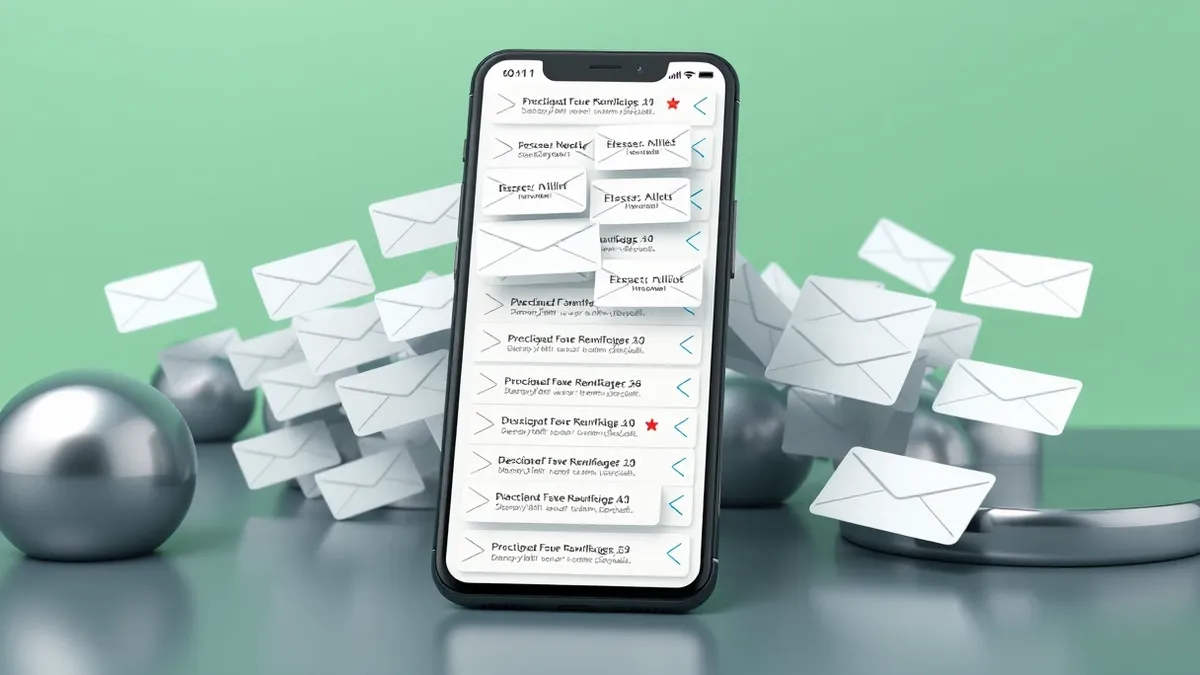
A sudden flood of automated sign-up emails often signals that an attacker is trying to hide a more serious breach from the victim. According to ESET Research, this tactic, known as email bombing, overwhelms the inbox to bury legitimate security alerts or fraud notifications.
In plain English
Email bombing works by using automated tools to register a victim’s address with hundreds of legitimate online services. These services send welcome emails that bypass standard spam filters because they are real communications. The result is an inbox so cluttered that important messages from banks or service providers become difficult to find.
The background
Attackers typically obtain email addresses from data breaches, marketing lists, or prior phishing campaigns. They then use bot-powered tools to trigger mass registrations for newsletters, free trials, and competitions. This creates a smokescreen designed to distract the victim from noticing that their identity or accounts have been compromised.
What changes now
The primary motive is usually to conceal a specific fraudulent action, such as a password reset or an unauthorized purchase. In corporate settings, attackers may use this method to distract security teams from data breaches or business email compromise attempts. Alternatively, they may seek to disrupt operations as leverage for extortion or to facilitate remote access malware installations.
Key terms explained
Teams usually monitor for sudden spikes in subscription confirmations to detect potential account compromise. Check whether automated registration tools are generating noise to mask critical security alerts. Focus on identifying the underlying threat rather than cleaning the inbox. Verify that important notifications are not being buried by legitimate-looking but unsolicited messages from various services.
Background: Account takeover
Detect account takeover by correlating login anomalies with behavioral shifts. Look for impossible travel, new device fingerprints, and sudden data exports. Combine identity logs with endpoint telemetry to spot compromised credentials before lateral movement occurs.
Read the full guide: Detect Account Takeover: Signals in Logs, Behavior, and Blind Spots
What to do and how to stay safe: ESET Research
- Search your inbox and spam folder for security alerts, new device sign-ins, or password change notifications.
- Check sensitive accounts individually for suspicious activity like new payment methods or altered recovery details.
- Change passwords to unique, strong credentials and enable two-factor authentication if any unusual activity is found.
- Review email forwarding rules and sent folders for signs that an attacker has modified account settings.
General security guidance from the Vector Update newsroom. It is not confirmed advice from the organisations named in this story.
Frequently asked questions
Why do attackers send so many legitimate-looking emails?
They use automated tools to sign up for real services because those welcome emails bypass spam filters and create a massive distraction.
What are attackers trying to hide with this tactic?
They aim to bury genuine notifications about password resets, unauthorized purchases, or account takeovers so the victim does not notice the fraud.
Can attackers use this method to infect my computer?
Yes, they may contact victims pretending to be tech support, claiming to fix the email issue while tricking them into installing remote access software.