Secure Firefox sessions on Windows: New Mozilla feature locks private browsing when you step away
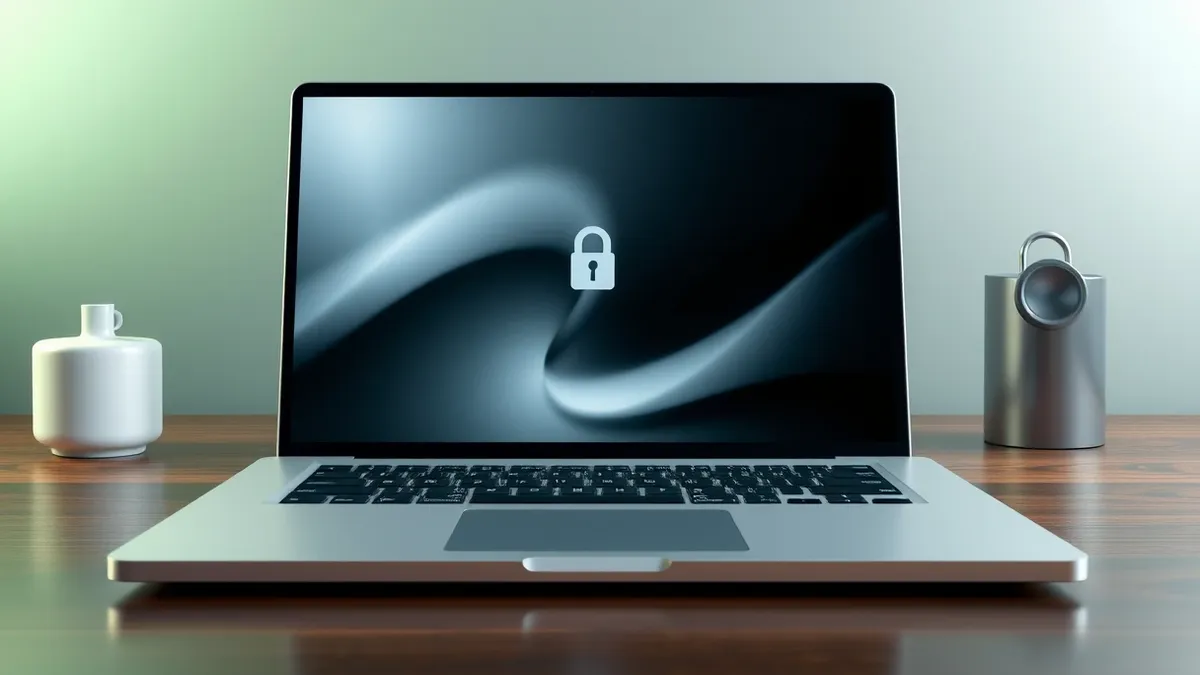
Mozilla is developing a feature that strengthens private browsing protection when users leave their Windows computers unattended.
Key points
- Mozilla is creating a new privacy mechanism specifically for the Firefox browser on Windows operating systems.
- The feature targets the moment users step away from their desks, aiming to secure private browsing sessions more effectively.
- Competing browsers from Google and Microsoft currently lack this specific capability on their Windows desktop versions.
Mozilla is designing a new privacy feature for its Firefox web browser that activates when Windows users step away from their computers. This development addresses a specific gap in how private browsing sessions are protected on desktop systems. The browser maker aims to make these sessions more secure during periods of inactivity. This move differentiates Firefox from other major browsers available on the same platform.
In plain English
Private browsing modes in web browsers are designed to prevent the saving of history, cookies, and site data after a session ends. However, these modes do not always protect the screen content while the user is temporarily away. If someone looks at the screen, they can still see the content. This new feature seeks to add a layer of protection during those brief absences. It ensures that sensitive information remains hidden even if the browser window is still open.
The background
According to Neowin, Mozilla is working on this new way to enhance privacy for users who leave their desks. The report highlights that this functionality is currently absent in Chrome and Edge on Windows. These competing browsers do not offer a comparable feature for protecting private sessions when users step away. This creates a distinct advantage for Firefox in the Windows desktop market. The focus is squarely on the Windows operating system for this specific implementation.
What changes now
Users of Firefox on Windows can expect a new tool that helps keep private browsing sessions secure when they are not at their computers. This does not change how the browser functions while the user is actively typing or clicking. Instead, it adds a safeguard for the moments when the user is physically absent. This development suggests a shift in how browser vendors approach desktop privacy. It moves beyond just deleting data after closing the window.
Key terms explained
Private browsing modes prevent local storage of history and cookies but do not hide screen content from physical observers. Teams usually advise users to lock their screens when stepping away to prevent shoulder surfing. Check whether your browser offers automatic locking or blurring features for inactive windows. This helps protect sensitive data from casual observation in shared workspaces. Understanding this distinction helps users manage their physical security alongside digital privacy settings.
What to do and how to stay safe: Mozilla
- Enable automatic screen locking on your Windows operating system after a short period of inactivity to protect open browser windows.
- Review your current Firefox privacy settings to ensure you are using private browsing modes when handling sensitive information.
- Consider using a privacy screen filter on your monitor to reduce the viewing angle for anyone standing nearby your desk.
- Monitor official Mozilla announcements for the release date of this new feature to plan your security updates accordingly.
General security guidance from the Vector Update newsroom. It is not confirmed advice from the organisations named in this story.
Frequently asked questions
Which browsers currently have this specific privacy feature for Windows users?
According to the report, Chrome and Edge do not have this feature, while Mozilla is developing it for Firefox.
What operating system is this new Firefox privacy feature targeting?
The feature is specifically being developed for Windows users who step away from their computers.
Does this feature protect data after the browser is closed?
No, this feature focuses on protecting the session while the user is temporarily away, not just after closure.