DevOps Security Explained: How to Secure the Pipeline
Security fails when you treat it as a gate at the end rather than a quality check at every step of the build process.

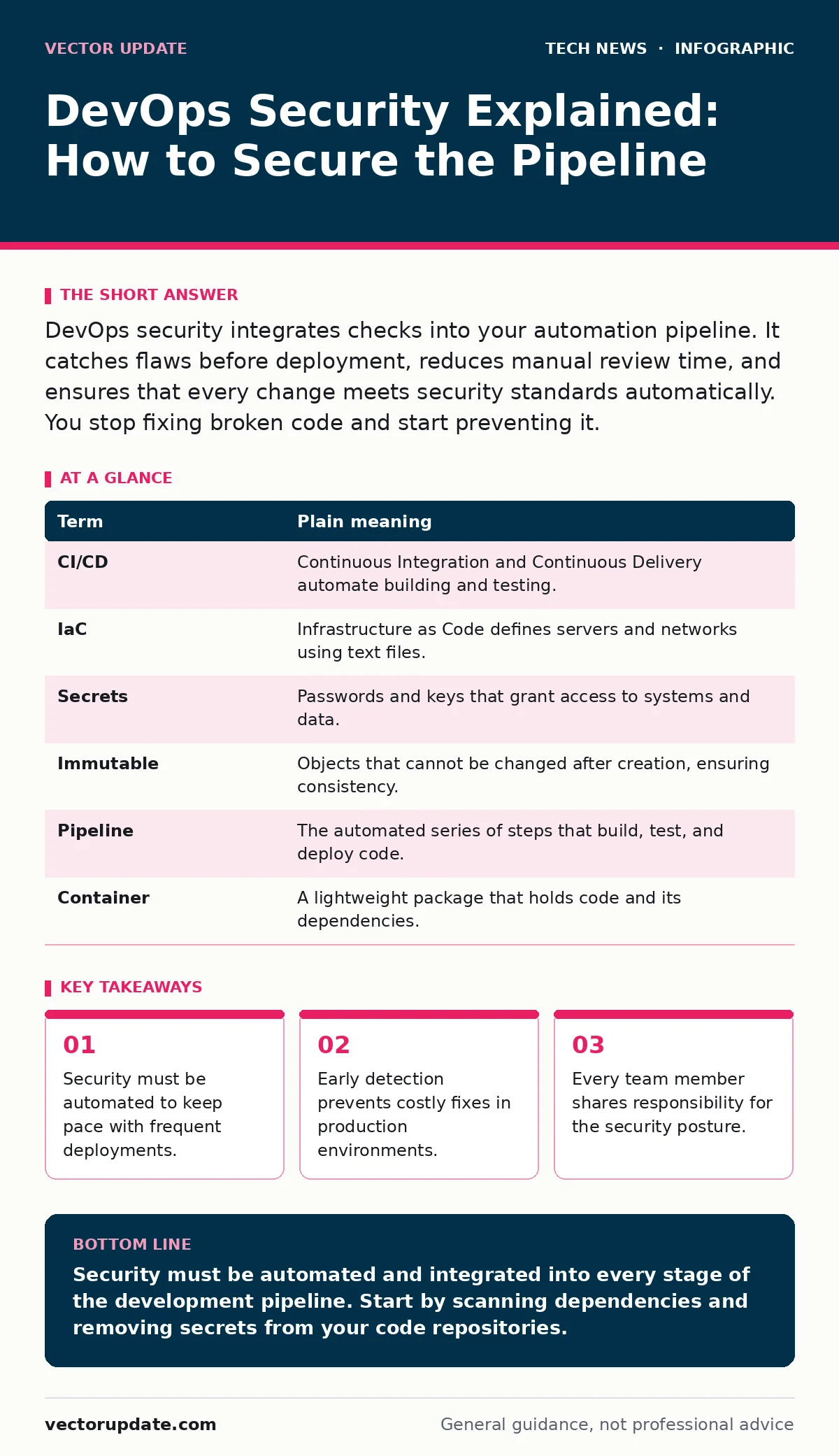
DevOps security integrates checks into your automation pipeline. It catches flaws before deployment, reduces manual review time, and ensures that every change meets security standards automatically. You stop fixing broken code and start preventing it.
The Assembly Line Analogy
Imagine a car factory. In the old model, workers assembled cars at the end of the line. Inspectors checked the finished vehicle. If a wheel was loose, the entire car was rejected. This wastes materials and time. DevOps security changes this. It places inspectors at every station. If a bolt is missing, the line stops immediately. The defect is fixed before it moves forward. This approach saves resources and ensures quality. You apply this logic to software development.
Shifting Left in Practice
Security often happens after code is written. This is called shifting right. It is too late to fix major issues easily. Shifting left moves security checks to the beginning. You scan code as you write it. You test dependencies before they are installed. This reduces the cost of fixing errors. A bug found in design costs little to fix. The same bug found in production costs much more. You save time by catching issues early.
Key Terms and Definitions
You need a shared vocabulary to discuss security effectively. These terms appear frequently in documentation and tools. Understanding them helps you configure your pipeline correctly. They define the boundaries of your security controls.
| Term | Plain meaning |
|---|---|
| CI/CD | Continuous Integration and Continuous Delivery automate building and testing. |
| IaC | Infrastructure as Code defines servers and networks using text files. |
| Secrets | Passwords and keys that grant access to systems and data. |
| Immutable | Objects that cannot be changed after creation, ensuring consistency. |
| Pipeline | The automated series of steps that build, test, and deploy code. |
| Container | A lightweight package that holds code and its dependencies. |
Automating Security Checks
Manual reviews do not scale. You deploy code multiple times a day. Humans cannot check every change thoroughly. Automation handles the volume. You configure tools to run tests automatically. These tools scan for known vulnerabilities. They check for hardcoded secrets. They verify that configurations meet standards. If a check fails, the deployment stops. This prevents insecure code from reaching users. You rely on the machine to enforce rules consistently.
Managing Secrets Safely
Secrets are often the weakest link. Developers sometimes store passwords in code repositories. This exposes credentials to anyone with access. You must separate secrets from code. Use a dedicated vault or environment variables. These tools encrypt secrets at rest. They inject secrets only at runtime. This ensures credentials are never written to disk. You rotate secrets frequently. This limits the damage if a key is stolen.
See also: Network Address Translation: How NAT Works and Its Hidden Risks
Infrastructure as Code Risks
You define your servers in code. This brings consistency and speed. It also introduces new risks. If your template has a flaw, every server inherits it. You might open unnecessary ports. You might use outdated base images. You must scan your infrastructure code. Look for misconfigurations before you deploy. Treat infrastructure code like application code. Review it for security issues. This prevents systemic vulnerabilities across your environment.
First Practical Steps
You do not need a perfect system to start. Small changes yield immediate benefits. Follow these steps to improve your security posture today.
- Scan your dependencies for known vulnerabilities. Use a tool that checks your package manager. Fix critical issues before merging code.
- Move secrets out of your repository. Use a vault or environment variables. Ensure no credentials exist in your code history.
- Define your infrastructure in code. Review templates for open ports and weak permissions. Deploy only what is necessary.
Balancing Speed and Safety
Security can slow down development. You must find the right balance. Block only critical issues. Allow lower-risk warnings to pass. This keeps the pipeline moving. You address non-critical issues later. This approach maintains momentum. It also ensures that security does not become a bottleneck. You protect the system without hindering innovation.
Key takeaways
- Security must be automated to keep pace with frequent deployments.
- Early detection prevents costly fixes in production environments.
- Every team member shares responsibility for the security posture.
Security must be automated and integrated into every stage of the development pipeline. Start by scanning dependencies and removing secrets from your code repositories.
Frequently asked questions
How do I start securing a legacy application?
Begin by identifying the most critical components. Add basic scanning for known vulnerabilities. Gradually introduce more checks as you refactor code.
Can I use open-source tools for DevOps security?
Yes, many open-source tools provide effective scanning and configuration management. They integrate well with standard pipelines and offer transparency.
What is the role of monitoring in DevOps security?
Monitoring detects anomalies in real-time. It complements preventive controls by identifying issues that slip through. See our guide on network monitoring for details.
How does this relate to secure software development?
DevOps security automates the practices of secure software development. It ensures that security standards are applied consistently at scale.
How this guide was produced: written by the Vector Update editorial team with AI assistance, checked against the public references listed below, and reviewed when the facts change. See our editorial policy or report an error.