Firmware Vulnerabilities: Answers to the Questions You Actually Ask
Firmware flaws persist because code runs below the operating system, often without the security controls you rely on for application-layer protection.

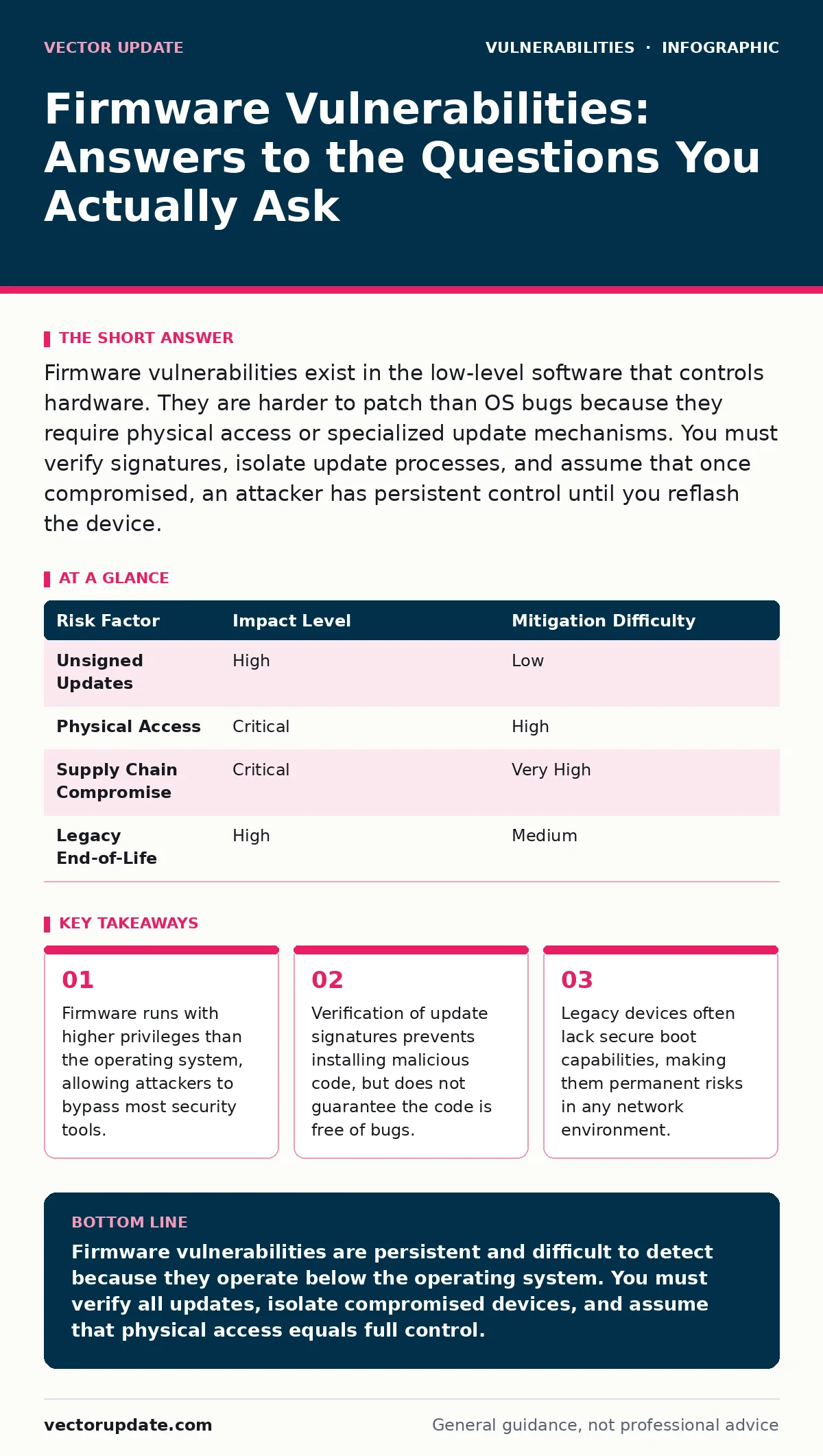
Firmware vulnerabilities exist in the low-level software that controls hardware. They are harder to patch than OS bugs because they require physical access or specialized update mechanisms. You must verify signatures, isolate update processes, and assume that once compromised, an attacker has persistent control until you reflash the device.
What exactly is a firmware vulnerability?
A firmware vulnerability is a flaw in the low-level software embedded in hardware devices that controls their basic functions. Unlike application software, firmware operates at a hardware level, often before the operating system even loads. This means a bug here can allow an attacker to take complete control of the device, bypassing standard security measures. You cannot simply restart the device to clear the infection; the malicious code persists across reboots.
Why are firmware bugs harder to find than OS bugs?
Firmware code is often proprietary, closed-source, and lacks the standard security frameworks found in modern operating systems. Developers frequently prioritize functionality and hardware compatibility over security, leaving memory management errors and buffer overflows unchecked. You lack visibility into the code, making it difficult to audit for weaknesses without reverse engineering the binary. This opacity means vulnerabilities can remain hidden for years, even in widely deployed devices.
Can a firmware exploit survive a full OS reinstall?
Yes, because the firmware resides on a separate chip or memory region distinct from the hard drive where the operating system lives. When you reinstall the OS, you are only wiping the storage medium for the main system, not the microcode controlling the hardware. An attacker who has placed a backdoor in the firmware will regain access as soon as the new OS initializes the hardware. This persistence makes firmware attacks particularly dangerous for long-term surveillance or data theft.
How do attackers actually deliver firmware malware?
Attackers often use the legitimate update process to inject malicious code, a technique known as a supply chain attack. They may intercept an unencrypted update stream or compromise the vendor’s update server to serve poisoned binaries. Alternatively, they might use a physical access vector, such as a malicious USB device, to flash the firmware directly. Imagine a scenario where an attacker compromises a vendor’s build server; every device that updates from that point forward becomes infected before it ever reaches your network.
Why doesn't my antivirus detect firmware threats?
Standard antivirus software runs within the operating system and relies on hooks provided by that OS to monitor activity. Firmware runs below the OS layer, meaning the antivirus has no visibility into the code executing at that level. The firmware can modify system calls or hardware behavior in ways that appear legitimate to the OS-level security tools. This blind spot allows attackers to hide their activities effectively, as the security software is essentially blind to the root of the problem.
Is secure boot enough to protect my hardware?
Secure boot ensures that only signed code can run during the startup process, but it does not guarantee the code is free of vulnerabilities. If a trusted vendor signs a firmware update that contains a bug, secure boot will allow it to run. Furthermore, if an attacker already has physical access, they may be able to bypass secure boot settings or flash the firmware using specialized hardware tools. Secure boot prevents unauthorized code from running, but it cannot stop authorized code from being malicious or buggy.
How do I verify a firmware update before installing it?
You must check the cryptographic signature of the update package against a known good public key from the vendor. This process ensures that the file has not been tampered with since it was signed. You should also verify the hash of the file to ensure integrity during download. Never rely on the source URL alone, as attackers can spoof websites or intercept connections. See our guide on firmware updates for specific steps on managing these signatures in your environment.
What is the risk of using legacy hardware?
Legacy hardware often lacks the hardware-enforced security features available in modern devices, such as TPMs or secure boot. These older systems may also no longer receive security patches, leaving known vulnerabilities unaddressed. You cannot patch a vulnerability if the vendor has stopped producing updates, leaving the device permanently exposed. This creates a persistent risk that can be exploited to gain a foothold in your network. For a broader view on handling these risks, see risk-based vulnerability management.
Can a firmware bug lead to privilege escalation?
Yes, because firmware typically runs with the highest possible privileges on the hardware. A vulnerability in the firmware can allow an attacker to execute code with these elevated rights, bypassing OS-level user permissions. This is a form of privilege escalation attacks where the attacker moves from a standard user context to a system administrator or root context. Once at this level, the attacker can install rootkits or modify system configurations without detection.
How do I isolate a compromised device?
You must physically disconnect the device from the network and any other hardware it might communicate with. Do not attempt to analyze the device while it is connected, as it could exfiltrate data or spread the infection to other systems. You should then reflash the firmware from a known good source, using a clean, isolated computer to prepare the update image. If the device cannot be reflashed securely, you must destroy it to prevent future use.
| Risk Factor | Impact Level | Mitigation Difficulty |
|---|---|---|
| Unsigned Updates | High | Low |
| Physical Access | Critical | High |
| Supply Chain Compromise | Critical | Very High |
| Legacy End-of-Life | High | Medium |
What is the hidden cost of frequent firmware updates?
Frequent updates introduce the risk of bricking devices if the update process is interrupted or fails. Each update cycle requires testing to ensure compatibility with existing systems, which consumes significant administrative time. You also face the operational risk of downtime during the update window. This trade-off between security and stability means you must carefully plan update schedules rather than applying patches immediately.
How does this relate to other security issues?
Firmware vulnerabilities often serve as the initial foothold for broader attacks, including privilege escalation attacks and data exfiltration. They can also be combined with other techniques, such as SQL injection, if the device exposes a web interface for management. Understanding the full attack chain helps you defend against these multi-stage threats. For more on web-based risks, see SQL injection.
What should I do if I suspect a compromise?
Assume the device is fully compromised and isolate it immediately. Do not attempt to analyze the malware on the live system, as it may alter its behavior when observed. Instead, capture forensic images of the memory and storage if possible, using a write-blocker to prevent modification. Then, reflash the firmware from a trusted source. If the device is critical and cannot be taken offline, consider replacing it entirely.
Can I trust open-source firmware?
Open-source firmware allows for community auditing, which can lead to faster identification and patching of vulnerabilities. However, it still requires rigorous security practices and consistent maintenance to be safe. You must ensure that the build process is secure and that only verified commits are included in releases. Open source is not inherently secure; it is only as secure as the process managing it.
How do I balance security with usability?
You must implement strict access controls for firmware management interfaces to prevent unauthorized changes. Disable unused features and ports to reduce the attack surface. Regularly audit configuration settings to ensure they align with security best practices. This balance requires ongoing effort but significantly reduces the risk of exploitation. For more on managing these risks, see risk-based vulnerability management.
Key takeaways
- Firmware runs with higher privileges than the operating system, allowing attackers to bypass most security tools.
- Verification of update signatures prevents installing malicious code, but does not guarantee the code is free of bugs.
- Legacy devices often lack secure boot capabilities, making them permanent risks in any network environment.
Firmware vulnerabilities are persistent and difficult to detect because they operate below the operating system. You must verify all updates, isolate compromised devices, and assume that physical access equals full control.
Frequently asked questions
How often should I check for firmware updates?
You should check for updates regularly, but only apply them after verifying their integrity and testing them in a non-production environment.
Can a firewall stop a firmware attack?
A firewall can block network-based attacks, but it cannot prevent physical access attacks or supply chain compromises.
Is it safe to use third-party firmware?
Third-party firmware can be safer if it is open-source and actively maintained, but it carries the risk of being unsupported by the hardware vendor.
What is the difference between a BIOS and a UEFI?
BIOS is the older firmware standard, while UEFI is the modern replacement that offers more security features, such as secure boot.
How this guide was produced: written by the Vector Update editorial team with AI assistance, checked against the public references listed below, and reviewed when the facts change. See our editorial policy or report an error.