Implement Cloud Logging and Monitoring: A Step-by-Step Guide
Most cloud logs fail because they record every event indiscriminately, creating noise that hides the actual signal you need to detect a breach.
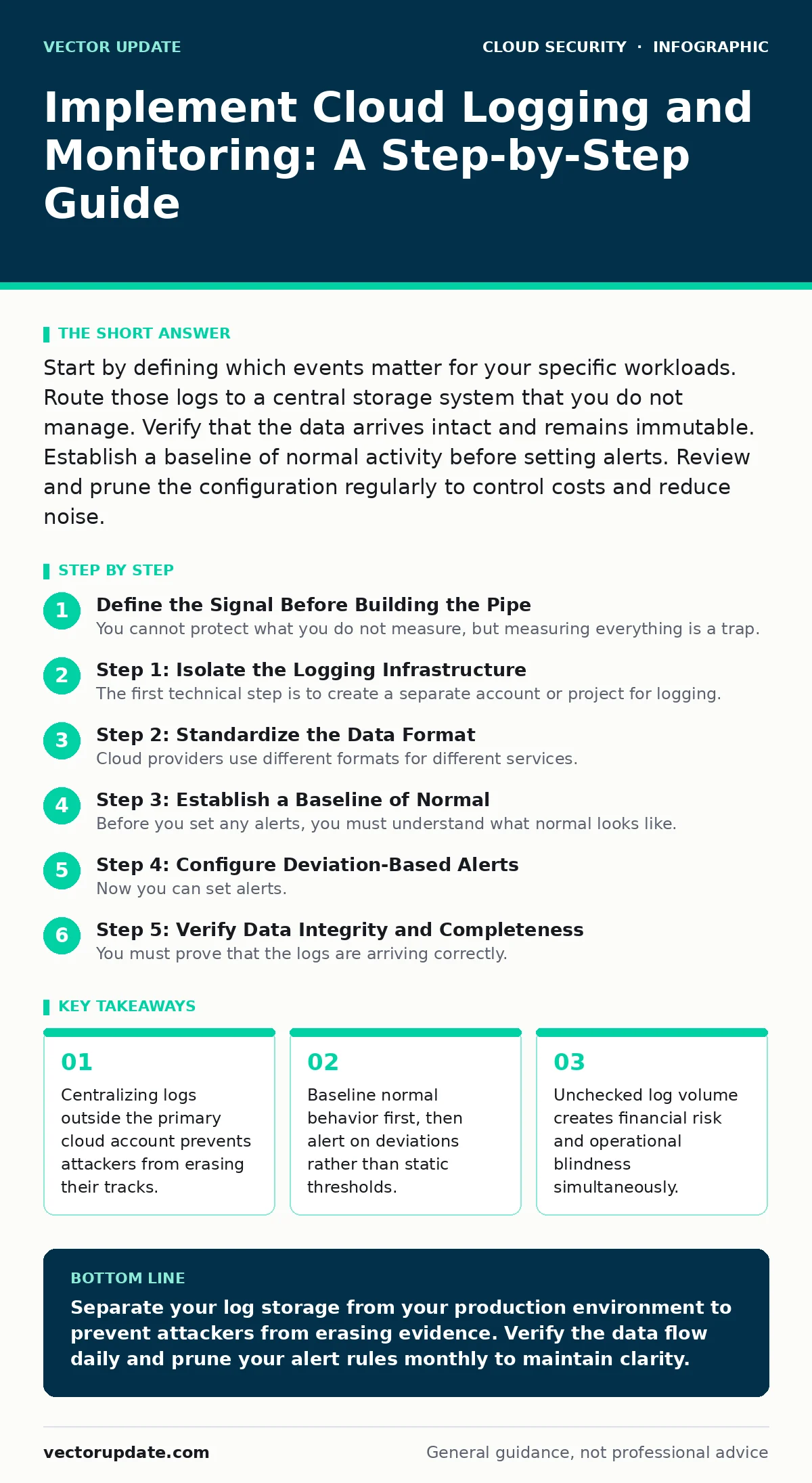
Start by defining which events matter for your specific workloads. Route those logs to a central storage system that you do not manage. Verify that the data arrives intact and remains immutable. Establish a baseline of normal activity before setting alerts. Review and prune the configuration regularly to control costs and reduce noise.
Define the Signal Before Building the Pipe
You cannot protect what you do not measure, but measuring everything is a trap. Cloud environments generate terabytes of data daily. Most of it is irrelevant to security. If you ingest all metadata, API calls, and debug traces, you drown in noise. This noise obscures the few events that indicate a compromise.
Start by identifying the critical assets. These are the systems that hold sensitive data or provide core business functions. You need to know exactly which resources require visibility. This process connects directly to maintaining an accurate cloud asset inventory. Without that list, you are guessing where to place your sensors.
Decide which events indicate a change in state. A user logging in is less interesting than a user logging in from a new country at an unusual hour. Focus on changes to permissions, network rules, and data access. These are the actions that an attacker uses to move laterally or exfiltrate data. Ignore the rest until you have the basics working.
Step 1: Isolate the Logging Infrastructure
The first technical step is to create a separate account or project for logging. This is known as a log sink or collector environment. You must treat this environment as a distinct security boundary. If an attacker compromises your primary workload, they should not have access to the logs.
If the logs live in the same account as the production servers, the attacker can delete them. This is called log tampering. It is the first thing most intruders do after gaining access. By separating the storage, you ensure that evidence survives even if the primary system is destroyed.
Configure the primary account to push logs to this isolated environment. Use read-only roles for this connection. The primary account should never be able to write directly to the log storage. It should only be able to push data through the established pipeline. This separation adds complexity but provides the only real guarantee of integrity.
Step 2: Standardize the Data Format
Cloud providers use different formats for different services. Compute engines might use one schema, while databases use another. You need a common structure to query them together. This is often called normalization.
Map the fields from each source to a standard schema. Common standards include OpenTelemetry or vendor-agnostic JSON structures. Define what constitutes a timestamp, a source IP, and a user identity across all services. If a database logs the user as an ID number and the web server logs it as an email address, you cannot correlate the two.
This step requires upfront effort. You must define the mapping rules for every service type you use. If you skip this, you will spend hours manually joining datasets during an investigation. The time saved during an incident far outweighs the initial configuration work.
Step 3: Establish a Baseline of Normal
Before you set any alerts, you must understand what normal looks like. Every environment has a unique rhythm. A web server might receive thousands of requests per minute during the day and almost none at night. A database might be quiet until a specific batch job runs.
Collect data for at least a few weeks without triggering alerts. Observe the patterns. Note the peak times, the usual volume, and the typical sources. This period is called the baseline phase. It allows you to distinguish between expected spikes and actual anomalies.
If you set alerts before this phase, you will receive hundreds of false positives. Your team will ignore them. This is known as alert fatigue. When a real breach occurs, it will be buried in the noise. Patience during this phase is the only way to build a trustable system.
Step 4: Configure Deviation-Based Alerts
Now you can set alerts. Do not use static thresholds like "alert if more than 100 logins." Use deviation-based logic. Alert when the volume or pattern differs significantly from the baseline.
For example, if a database usually receives queries from three internal IPs, alert if a query comes from an external IP. If a service usually runs during business hours, alert if it starts at 3 AM. These dynamic rules catch new attack vectors that static rules miss.
Focus on high-fidelity signals. A single failed login is noise. Ten failed logins from five different countries is a signal. Tune the sensitivity until you receive a manageable number of alerts. Quality matters more than quantity.
See also: Cloud Landing Zones: Definition, Purpose, and Core Architecture · Open Security Groups: 6 Myths Blocking Your Cloud Defense
Step 5: Verify Data Integrity and Completeness
You must prove that the logs are arriving correctly. This is not optional. A broken pipe is worse than no pipe because it gives you a false sense of security.
Set up automated checks that verify the flow. These checks should confirm that logs are arriving from all critical sources. They should also verify that the timestamp is correct and that the data fields are populated. If a check fails, send a high-priority notification to your operations team.
Verification Checklist
Use this list to confirm your implementation is sound.
- Logs are stored in a separate account or project from the production workloads.
- All critical assets are included in the logging scope.
- Data is normalized into a common schema for cross-service correlation.
- A baseline of normal activity has been established and documented.
- Alerts are based on deviations from the baseline, not static thresholds.
- Automated checks verify the completeness and integrity of the log stream.
- Access to the log storage is restricted to a small number of analysts.
Maintain the System Over Time
Logging is not a set-and-forget task. Your environment changes. New services are added, old ones are removed, and workloads shift. Your logging configuration must evolve with them.
Review the alert rules monthly. Disable rules that generate constant false positives. Update rules that no longer reflect current operations. This pruning keeps the signal clear.
Check the costs regularly. Log storage can become expensive if you are not careful. Identify high-volume sources that provide low value. Filter out verbose debug logs or health checks that do not add security context.
This maintenance connects to broader security practices. For instance, ensuring open security groups are closed reduces the noise from external scanning. Proper cloud encryption ensures that the logs themselves are not readable if the storage is compromised. And understanding shadow IT helps you identify unmanaged resources that are not sending logs.
The Hidden Cost of Context
The biggest challenge in cloud monitoring is not the technology. It is the context. A log entry tells you that something happened. It does not tell you why it happened or if it matters.
You need to enrich your logs with additional data. Link technical events to business processes. A login from a new device might be benign if it is a known employee traveling. It is malicious if it is an unknown account.
This enrichment requires integration with identity providers and ticketing systems. It adds complexity but dramatically reduces false positives. Without context, you are just watching numbers change. With context, you are watching behavior.
Key takeaways
- Centralizing logs outside the primary cloud account prevents attackers from erasing their tracks.
- Baseline normal behavior first, then alert on deviations rather than static thresholds.
- Unchecked log volume creates financial risk and operational blindness simultaneously.
Separate your log storage from your production environment to prevent attackers from erasing evidence. Verify the data flow daily and prune your alert rules monthly to maintain clarity.
Frequently asked questions
How long should I keep cloud logs?
Keep logs for as long as compliance requirements dictate, but prioritize the most recent data for active detection. Older data should be moved to cheaper, cold storage for forensic analysis.
Can I use free tier tools for monitoring?
Free tiers are useful for testing but rarely scale to production needs. They often lack the advanced correlation features needed to detect sophisticated attacks.
What if I miss a log during an outage?
Accept that gaps will happen. Focus on ensuring the pipeline recovers automatically and alert you to the gap. Consistent flow is more important than perfect retention.
Should I log all API calls?
Only log calls that change state or access sensitive data. Logging every read operation creates massive volume and cost without adding significant security value.
How this guide was produced: written by the Vector Update editorial team with AI assistance, checked against the public references listed below, and reviewed when the facts change. See our editorial policy or report an error.