Browser Updates: Real Security Gains Versus Operational Friction
Patching the browser engine fixes memory errors but leaves your data exposed if the underlying operating system or firmware remains unpatched.

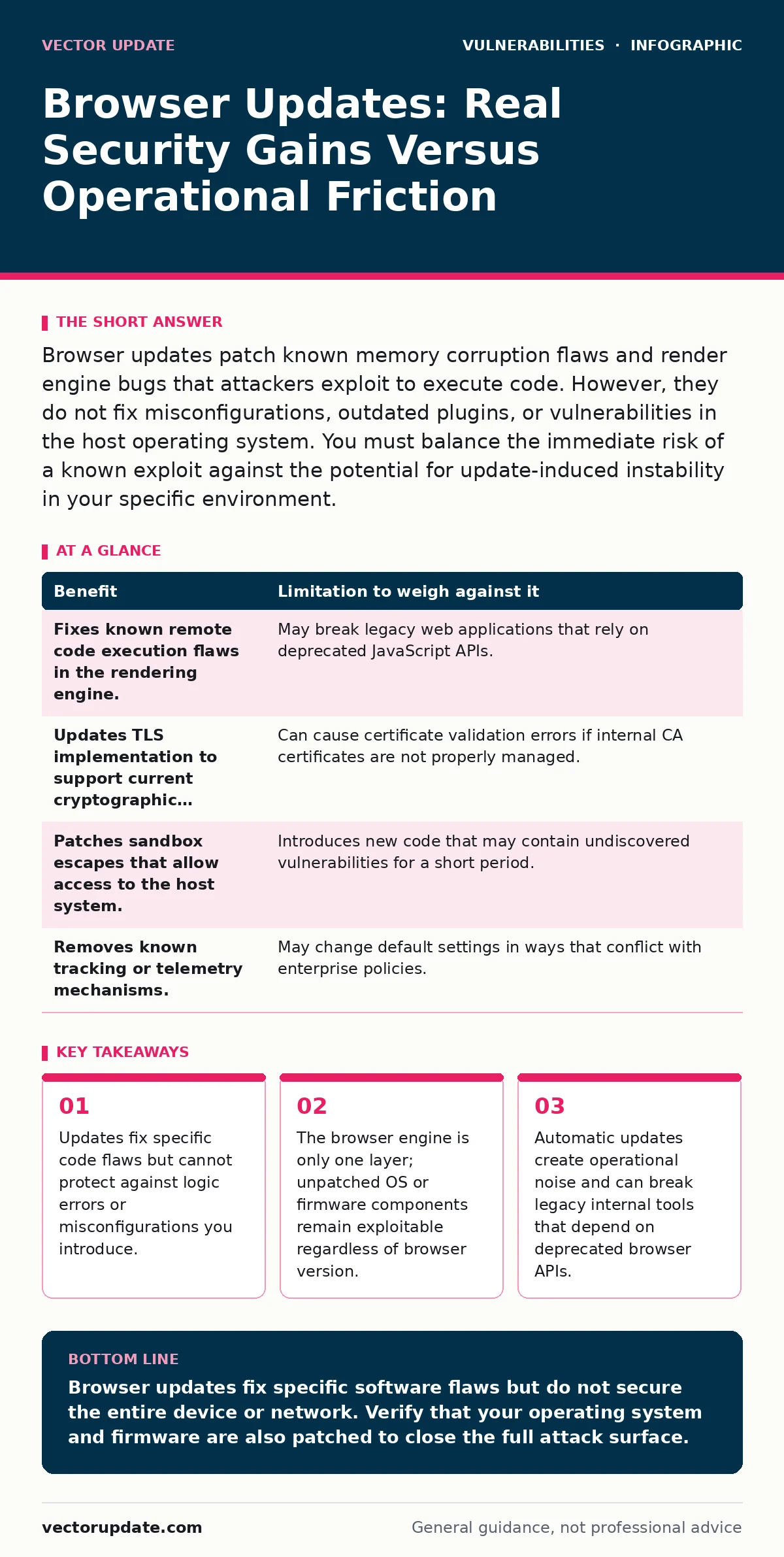
Browser updates patch known memory corruption flaws and render engine bugs that attackers exploit to execute code. However, they do not fix misconfigurations, outdated plugins, or vulnerabilities in the host operating system. You must balance the immediate risk of a known exploit against the potential for update-induced instability in your specific environment.
The Mechanism of Browser Patching
When you install a browser update, you are not just changing the user interface. The primary security value comes from patches to the browser engine, the software component that interprets HTML, CSS, and JavaScript. This engine manages memory directly and interacts with the operating system to render web pages.
Attackers target the engine because it processes untrusted data from the internet. A flaw here often allows for remote code execution, where an attacker runs commands on your machine simply by making you visit a page. Updates replace the vulnerable code with corrected versions that enforce stricter memory boundaries.
The browser also includes a JavaScript engine and a networking stack. Updates here often address how the browser handles network requests, which can prevent certain types of data leakage or man-in-the-middle attacks if the TLS implementation had a flaw.
Limitations of Software Updates
Patching the browser does not secure the entire computing session. The browser runs on top of an operating system, which itself has a kernel, drivers, and system libraries. If the operating system has a vulnerability, a compromised browser can often exploit it to escalate privileges.
Imagine a browser update fixes a flaw that allowed a script to read arbitrary files. If your user account lacks permissions to read sensitive system files, the attack fails. However, if the operating system has a local privilege escalation flaw, the attacker can use the browser to trigger that OS flaw and gain full control.
Browser updates also do not fix configuration errors. If you disable security features like sandboxing or allow unsafe content types, the patch cannot reverse that decision. The sandbox is a containment layer that limits what a compromised web page can do. Disabling it removes the primary defense against browser exploits.
Weighing Gains Against Operational Costs
Every update introduces risk alongside security. New code can contain bugs that crash the browser or break compatibility with internal tools. System administrators often face the choice between security and stability.
| Benefit | Limitation to weigh against it |
|---|---|
| Fixes known remote code execution flaws in the rendering engine. | May break legacy web applications that rely on deprecated JavaScript APIs. |
| Updates TLS implementation to support current cryptographic standards. | Can cause certificate validation errors if internal CA certificates are not properly managed. |
| Patches sandbox escapes that allow access to the host system. | Introduces new code that may contain undiscovered vulnerabilities for a short period. |
| Removes known tracking or telemetry mechanisms. | May change default settings in ways that conflict with enterprise policies. |
The hidden cost of updates is the testing overhead. You must verify that critical business applications still function after the update. This requires a staging environment that mirrors production. Without this, you risk deploying an update that disables access to essential internal services.
When It Is Worth It
Immediate updates are necessary when a vendor discloses a critical vulnerability in the browser engine, particularly those allowing remote code execution without user interaction. These are often called zero-day exploits if they are unknown to the vendor, or zero-click if they require no action from the user.
If you manage a fleet of devices that access the public internet, the risk of encountering an exploit kit is high. Exploit kits are packages of malware designed to take advantage of known browser vulnerabilities. They scan for specific browser versions and serve attacks tailored to those flaws.
Updates are also worth prioritizing when they address vulnerabilities in the networking stack that could allow an attacker to intercept traffic or bypass local network controls. This is especially relevant for devices that move between different network environments, such as those used by remote workers.
When It Is Not Worth It
There are scenarios where holding off on a browser update is a rational security decision. If your environment is air-gapped, meaning it has no connection to the external internet, the risk of encountering a remote exploit is negligible. In this case, the operational risk of breaking internal tools outweighs the security benefit.
Suppose your organization uses a set of legacy applications that only function on an older browser version. If patching the browser breaks these applications, you may need to isolate those systems. Running them on a separate network segment with strict access controls can be safer than forcing an update that disables business operations.
This approach requires careful segmentation. The legacy systems must not be able to initiate connections to the broader network. This limits the blast radius if they are compromised through other means, such as social engineering or physical access.
Integrating With Broader Security Controls
Browser updates are one component of a layered defense strategy. You cannot rely on them alone. You must also manage firmware vulnerabilities, which exist in the hardware components of your devices. An attacker who exploits a firmware flaw can bypass many operating system protections, including those enforced by the browser.
Consider the role of secure enclaves in modern processors. These isolated areas of memory can protect cryptographic keys and sensitive computations. If the browser uses these features for authentication, a firmware vulnerability could allow an attacker to extract secrets even if the browser software is patched.
You should also review your approach to vulnerable third-party libraries. Browsers often include or interact with libraries for handling video, audio, or fonts. If these libraries are not updated, they can provide an alternative attack path. This is similar to how SQL injection vulnerabilities in web applications can be exploited if input validation is insufficient, regardless of the database software version.
Managing Update Fatigue
The frequency of browser updates can lead to update fatigue, where administrators delay patches because the process is too disruptive. To mitigate this, automate the deployment process where possible. Use group policies or mobile device management tools to schedule updates during maintenance windows.
Test updates in a non-production environment before rolling them out broadly. This allows you to identify compatibility issues without affecting users. Document any changes in behavior or required configuration adjustments. This knowledge base helps support staff resolve issues quickly if they arise.
Regularly review your browser configurations. Ensure that security features like sandboxing and sandboxing are enabled. Disable unnecessary plugins or extensions that increase the attack surface. Each extension has its own security posture and may not be updated as frequently as the browser itself.
Key takeaways
- Updates fix specific code flaws but cannot protect against logic errors or misconfigurations you introduce.
- The browser engine is only one layer; unpatched OS or firmware components remain exploitable regardless of browser version.
- Automatic updates create operational noise and can break legacy internal tools that depend on deprecated browser APIs.
Browser updates fix specific software flaws but do not secure the entire device or network. Verify that your operating system and firmware are also patched to close the full attack surface.
Frequently asked questions
Do browser updates protect against phishing attacks?
No, updates fix code flaws but cannot stop users from tricked into revealing credentials. Phishing relies on social engineering, not software vulnerabilities.
How long should I wait after an update before deploying it?
Wait until you have verified compatibility with your internal tools in a test environment. There is no fixed time frame, only the completion of your testing process.
Can I disable automatic browser updates safely?
Disabling auto-updates increases the risk of exposure to known exploits. Only do this in isolated, air-gapped environments where remote code execution is not a threat.
Do browser updates fix vulnerabilities in web pages?
No, they fix vulnerabilities in the browser software. Vulnerabilities in web pages, such as cross-site scripting, are coding errors that must be fixed by the web developer.
How this guide was produced: written by the Vector Update editorial team with AI assistance, checked against the public references listed below, and reviewed when the facts change. See our editorial policy or report an error.