Vulnerable Third-Party Libraries: What They Are and How to Spot Them
Your software often contains hidden code from strangers that you never installed, creating silent backdoors that attackers exploit.

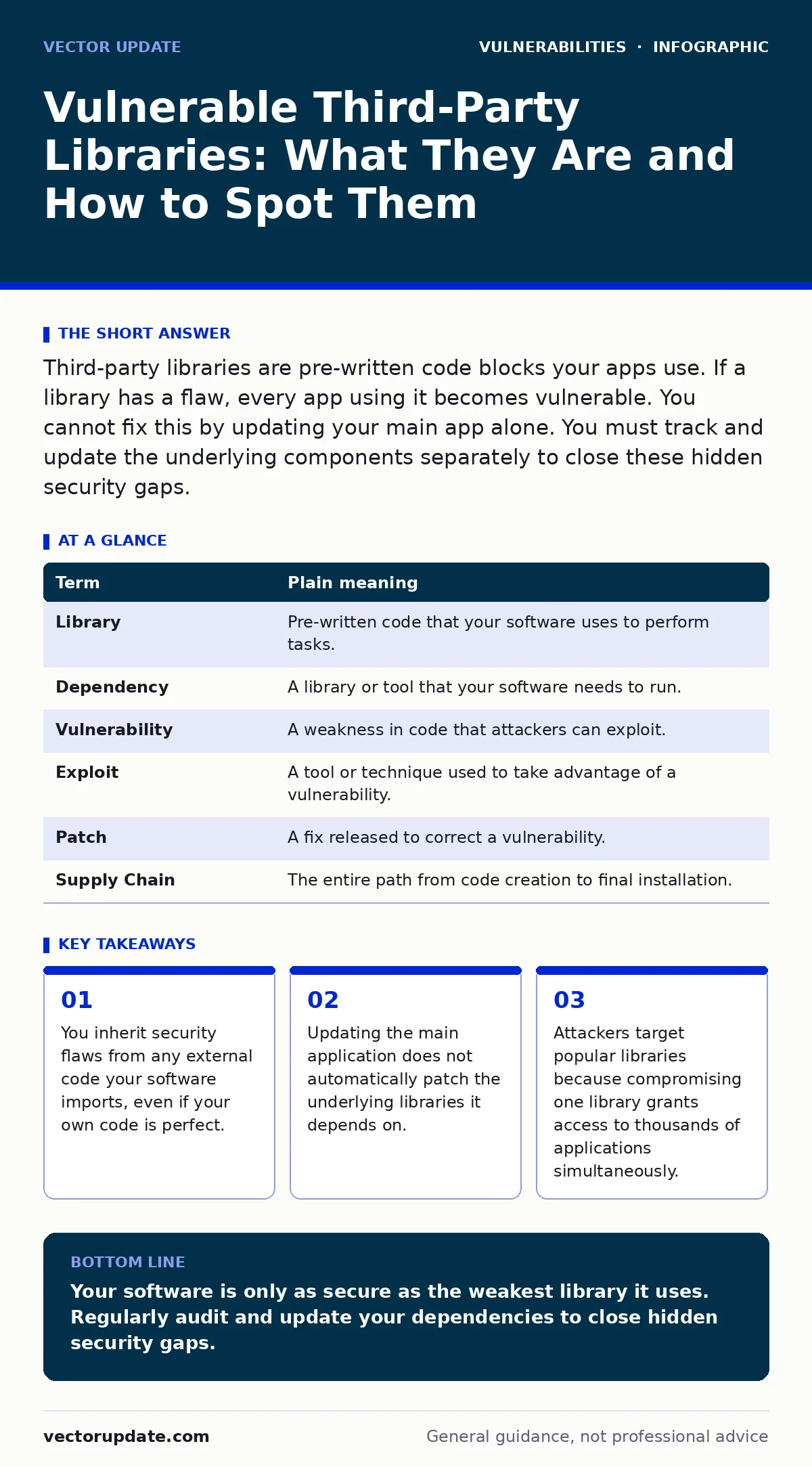
Third-party libraries are pre-written code blocks your apps use. If a library has a flaw, every app using it becomes vulnerable. You cannot fix this by updating your main app alone. You must track and update the underlying components separately to close these hidden security gaps.
The Hidden Ingredients in Your Software
Imagine you are baking a cake. You do not grow the wheat, mill the flour, or refine the sugar. You buy these ingredients from a store. If the flour supplier accidentally mixes in poison, your cake is dangerous. It does not matter how carefully you mix the batter or how perfectly you bake it. The danger came from an ingredient you trusted, not from your own actions.
Software works the same way. Developers rarely write every line of code from scratch. They use third-party libraries, which are collections of pre-written code that perform common tasks. These libraries handle everything from image processing to data encryption. When you install an application, you are also installing all the libraries it uses.
What Is a Third-Party Library?
A library is a set of instructions that a program can call upon to perform a specific function. Instead of writing code to calculate a date or compress a file, a developer calls a library that already does this. This saves time and reduces errors. However, it also creates a dependency chain.
If the library contains a vulnerability, that flaw exists in every program that uses it. You might think your software is secure because you audited your own code. But if a library you rely on has a hole, attackers can slip through that hole into your system. This is why understanding dependencies is as important as understanding your own application.
The Silent Risk to Ordinary Users
For an ordinary user, this risk is invisible. You install a productivity app, a photo editor, or a browser extension. You trust the vendor to keep it safe. But the vendor might be using a library that has not been updated in years. The vendor might not even know the library is flawed.
Attackers scan for known vulnerabilities in popular libraries. When they find one, they write exploits that target any system using that specific version. You do not need to be a high-value target. You just need to be using software that includes the vulnerable component. This is similar to how SQL injection attacks work, where flawed input handling allows attackers to manipulate databases. The flaw is in the structure, not the intent.
Why Main Updates Do Not Fix Everything
Many users believe that clicking "Update" on their main application solves all security problems. This is a dangerous misconception. When a vendor updates their app, they often focus on new features or bugs in their own code. They may not update the underlying libraries.
This means your app might be version 2.0, but it still runs on a library version 1.0 that has a known security hole. To fix this, the vendor must explicitly update the library dependency. If they do not, the vulnerability remains. This is why browser updates are critical. Browsers constantly update their internal engines and libraries to patch new threats. If you ignore these updates, you remain exposed to flaws that were fixed months ago.
Tracking What You Actually Use
To manage this risk, you need to know what is inside your software. This is called dependency management. It involves listing every external library your project uses and checking their security status. This is not optional for serious development. It is the foundation of risk-based vulnerability management.
You cannot protect what you do not know you have. Many projects accumulate unused libraries over time. These "zombie" dependencies increase your attack surface without adding any value. Removing them reduces the number of potential entry points for attackers. It is a simple cleanup task with a high security return.
Mini Glossary for Clarity
| Term | Plain meaning |
|---|---|
| Library | Pre-written code that your software uses to perform tasks. |
| Dependency | A library or tool that your software needs to run. |
| Vulnerability | A weakness in code that attackers can exploit. |
| Exploit | A tool or technique used to take advantage of a vulnerability. |
| Patch | A fix released to correct a vulnerability. |
| Supply Chain | The entire path from code creation to final installation. |
Try This Now: Three Simple Steps
- Audit Your Dependencies: Check if your tools provide a list of libraries they use. Look for any that are significantly older than the main application.
- Enable Automatic Updates: Where possible, allow your software to update libraries automatically. This ensures you get security patches without manual intervention.
- Minimize Installations: Only install software you truly need. Every additional program brings its own set of libraries and potential vulnerabilities.
The Human Element in Security
You might wonder why developers use flawed libraries. Often, it is not negligence. It is complexity. A single large application might depend on hundreds of libraries. Keeping track of them all is difficult. Developers prioritize features over security updates.
This is why firmware vulnerabilities are so hard to fix. The code is embedded in hardware, and updating it requires a complete rewrite or replacement. In software, you can patch libraries, but you must remember to do it. Neglecting this step leaves you exposed.
Beyond Code: The Broader Threat
This concept extends beyond traditional software. Insecure AI plugins and agents often rely on external models or data sources. If those sources are compromised, the AI can behave unpredictably or leak sensitive data. Similarly, deepfake fraud relies on sophisticated libraries that generate realistic media. Understanding the source of your tools helps you assess the risk.
Even on mobile devices, removing malware from an Android phone often requires identifying which third-party app introduced the malicious library. The malware is not always in the main app; it might be in a small helper library that the app downloaded.
Keeping Your Digital Kitchen Clean
Just as you would not use expired flour, you should not use outdated libraries. The effort to track and update them is small compared to the cost of a breach. You do not need to be an expert to start. Simply ask your software vendors about their update policies. Check for updates regularly. Remove software you no longer use.
This habit protects you from the silent risks hidden in the code you do not see. It shifts your security posture from reactive to proactive. You are no longer waiting for a breach to tell you something is wrong. You are actively closing the doors that attackers try to use.
Key takeaways
- You inherit security flaws from any external code your software imports, even if your own code is perfect.
- Updating the main application does not automatically patch the underlying libraries it depends on.
- Attackers target popular libraries because compromising one library grants access to thousands of applications simultaneously.
Your software is only as secure as the weakest library it uses. Regularly audit and update your dependencies to close hidden security gaps.
Frequently asked questions
Do I need to update libraries if I am not a developer?
Yes. If your software allows automatic updates, enable them. If not, update the main application frequently, as this often pulls in library updates.
Can I remove libraries from an installed app?
Generally, no. Libraries are bundled with the app. You must update or uninstall the entire application to change its libraries.
Are open-source libraries less secure?
Not necessarily. Open-source code is visible to many eyes, which can help find flaws faster. However, it also allows attackers to find flaws easily.
How do I know if a library is vulnerable?
Security databases and your software vendor usually publish alerts. Subscribe to security notifications for the tools you use.
How this guide was produced: written by the Vector Update editorial team with AI assistance, checked against the public references listed below, and reviewed when the facts change. See our editorial policy or report an error.