Intrusion Prevention Systems: How IPS Blocks Threats in Real Time
An intrusion prevention system actively blocks malicious traffic based on known patterns, stopping attacks before they reach your servers and endpoints.

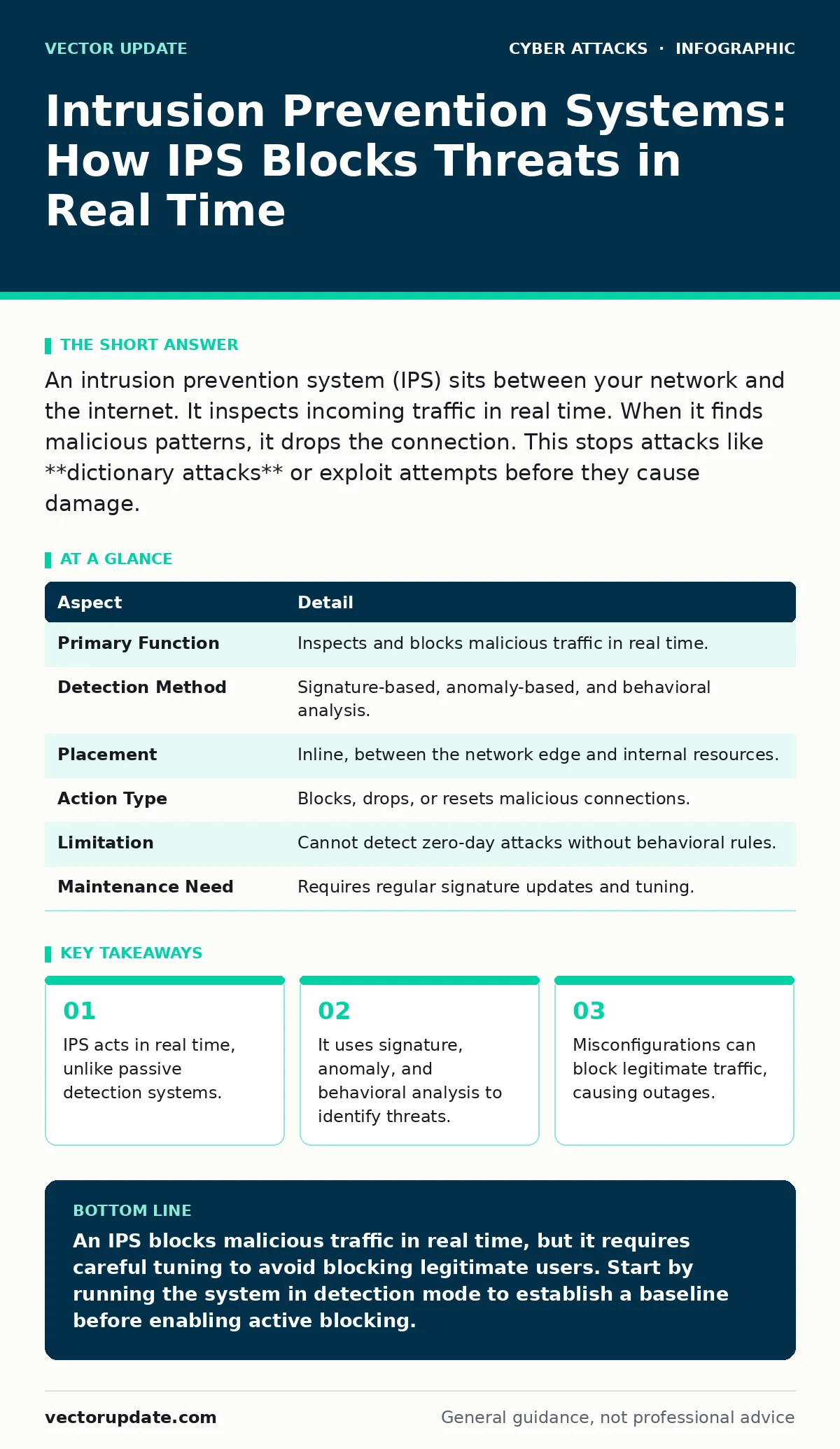
An intrusion prevention system (IPS) sits between your network and the internet. It inspects incoming traffic in real time. When it finds malicious patterns, it drops the connection. This stops attacks like **dictionary attacks** or exploit attempts before they cause damage.
The Traffic Cop Analogy
Imagine a busy highway checkpoint. Officers inspect every vehicle. If a car matches the description of a stolen model, they turn it away. They do not just note the license plate; they stop the car from entering the city. This is how an intrusion prevention system works. It sits at the edge of your network. It inspects data packets as they arrive. If the data looks malicious, the system drops it. The traffic never reaches your servers.
What IPS Solves
Firewalls control traffic based on rules. They allow or deny connections based on IP addresses and ports. They do not inspect the content of the data. An IPS looks inside the packet. It checks the payload for malicious code. This solves the problem of attacks that use allowed ports. Hackers often use standard ports like HTTP to hide their traffic. A firewall allows HTTP traffic. An IPS checks that HTTP traffic for exploits.
This layer of defense is necessary because perimeter defenses are not enough. Attackers constantly change their methods. They use new exploits and social engineering. An IPS adds a layer of inspection that looks for known attack signatures. It also looks for abnormal behavior. This helps stop threats that bypass simpler rules.
| Aspect | Detail |
|---|---|
| Primary Function | Inspects and blocks malicious traffic in real time. |
| Detection Method | Signature-based, anomaly-based, and behavioral analysis. |
| Placement | Inline, between the network edge and internal resources. |
| Action Type | Blocks, drops, or resets malicious connections. |
| Limitation | Cannot detect zero-day attacks without behavioral rules. |
| Maintenance Need | Requires regular signature updates and tuning. |
The Three Detection Engines
An IPS uses three main methods to identify threats. Understanding these helps you tune the system for your environment.
Signature-based detection compares traffic against a database of known attacks. Each attack has a unique pattern or signature. When the IPS sees a match, it blocks the traffic. This method is accurate for known threats. It does not work against new attacks. You must keep the signature database updated.
Anomaly-based detection establishes a baseline of normal traffic. It looks for deviations from this baseline. If traffic volume spikes or unusual protocols appear, the system flags it. This can catch new attacks. However, it also creates false positives. Normal changes in traffic, like a marketing campaign, can trigger alerts.
Behavioral-based detection watches how applications behave. It looks for actions that violate security policies. For example, if a user account suddenly downloads large files to an external server, the IPS may block it. This method is effective against insider threats. It requires careful tuning to avoid blocking legitimate business activities.
Where IPS Fits in Defense
An IPS does not work alone. It is part of a layered security strategy. You need to understand how it interacts with other tools.
Intrusion detection systems are similar to IPS but passive. They monitor traffic and alert you. They do not block traffic. An IPS acts on those alerts automatically. You often use both. The IDS catches complex threats that need human review. The IPS blocks simple, known threats.
Endpoint protection secures individual devices. If an attack bypasses the IPS, endpoint protection stops it on the device. This is critical for remote workers. Their traffic may not pass through the central IPS.
Email filtering stops phishing attempts before they reach the inbox. Many attacks start with email. If the email gets through, the IPS can block the malicious link or attachment. These tools work together to reduce risk.
The Hidden Cost of Blocking
Blocking traffic is not free. The main cost is the risk of blocking legitimate traffic. This is called a false positive. If the IPS blocks a valid transaction, your business suffers. Users cannot access services. This leads to downtime and lost revenue.
Tuning the IPS takes time and expertise. You must adjust rules to fit your network. New applications may trigger alerts. You need to whitelist them. This process is ongoing. It requires dedicated staff. Without proper tuning, the IPS becomes a burden. It generates too many alerts. Staff ignore them. This is called alert fatigue.
Another hidden cost is latency. The IPS inspects every packet. This takes processing power. If the IPS is overloaded, it slows down traffic. Users experience lag. You must size the IPS correctly for your bandwidth. Undersizing it causes performance issues.
See also: Cyber Espionage Defined: Tactics, Targets, and Silent Persistence · How Advanced Persistent Threats Move: Step-by-Step Breakdown
Common Misconfigurations
Many organizations install IPS but fail to configure it correctly. This leaves gaps in defense. Here are the most common mistakes.
Relying on default settings is dangerous. Default rules are generic. They may not fit your environment. You must customize rules. Disable rules that do not apply. Enable rules that protect your specific applications.
Ignoring updates leaves you vulnerable. Attackers change their methods. New signatures are released daily. If you do not update, the IPS becomes blind. You must automate updates. Verify them before deployment.
Over-blocking creates business disruption. If you block too much traffic, users complain. They may bypass security controls. This increases risk. You must balance security and usability. Tune rules carefully.
Not integrating with other tools reduces effectiveness. The IPS should share data with other security tools. This provides a complete view. It helps correlate events. Without integration, you miss context.
What People Get Wrong
Many believe an IPS provides complete protection. This is false. No tool stops all attacks. IPS focuses on network traffic. It does not protect against social engineering. It does not stop account takeover if credentials are stolen. It does not prevent password spraying if users have weak passwords.
Another mistake is assuming IPS replaces firewalls. Firewalls and IPS serve different purposes. Firewalls control access. IPS inspects content. You need both. Removing one leaves a gap.
Some think IPS handles all malware. It catches known exploits. It does not catch all malware variants. You still need endpoint protection. Malware can arrive via USB drives or insider actions. These bypass network defenses.
Tuning for Success
Successful IPS deployment requires continuous tuning. Start with a clear policy. Define what traffic is allowed. Define what is blocked. Document these rules.
Monitor alerts closely. Analyze false positives. Adjust rules to reduce noise. Whitelist legitimate traffic. Blacklist known threats. This process takes time. It is not a one-time task.
Test changes in a lab. Never apply changes directly in production. This prevents accidental outages. Use version control for rules. Track changes over time.
Train your staff. They must understand how the IPS works. They must know how to respond to alerts. Regular training keeps skills sharp. It ensures quick response to incidents.
Final Thoughts
An intrusion prevention system is a powerful tool. It blocks malicious traffic in real time. It adds a critical layer of defense. But it requires careful configuration. It needs regular updates and tuning. Without these efforts, it becomes a liability.
Use IPS as part of a layered strategy. Combine it with firewalls, endpoint protection, and email filtering. This approach reduces risk significantly. It protects your network from known threats. It buys time against new attacks.
Key takeaways
- IPS acts in real time, unlike passive detection systems.
- It uses signature, anomaly, and behavioral analysis to identify threats.
- Misconfigurations can block legitimate traffic, causing outages.
- IPS works best when paired with endpoint protection and email filtering.
An IPS blocks malicious traffic in real time, but it requires careful tuning to avoid blocking legitimate users. Start by running the system in detection mode to establish a baseline before enabling active blocking.
Frequently asked questions
How is IPS different from a firewall?
A firewall controls traffic based on IP addresses and ports. An IPS inspects the content of the traffic for malicious patterns. Firewalls are the gate; IPS is the inspector.
Can IPS stop zero-day attacks?
Signature-based IPS cannot stop zero-day attacks. However, anomaly and behavioral-based IPS may detect unusual activity associated with new exploits. It is not guaranteed.
Does IPS protect against phishing?
IPS can block malicious links or attachments in network traffic. However, email filtering is better for stopping phishing emails before they reach the inbox. Use both for best protection.
How often should IPS signatures be updated?
Signatures should be updated as soon as they are released. Many threats are new. Delaying updates leaves your network vulnerable to known exploits. Automate this process.
How this guide was produced: written by the Vector Update editorial team with AI assistance, checked against the public references listed below, and reviewed when the facts change. See our editorial policy or report an error.