Intrusion Detection Systems Best Practices for Network Security
Most networks miss lateral movement because detection rules focus on perimeter breaches rather than internal behavior anomalies and privilege escalation patterns.

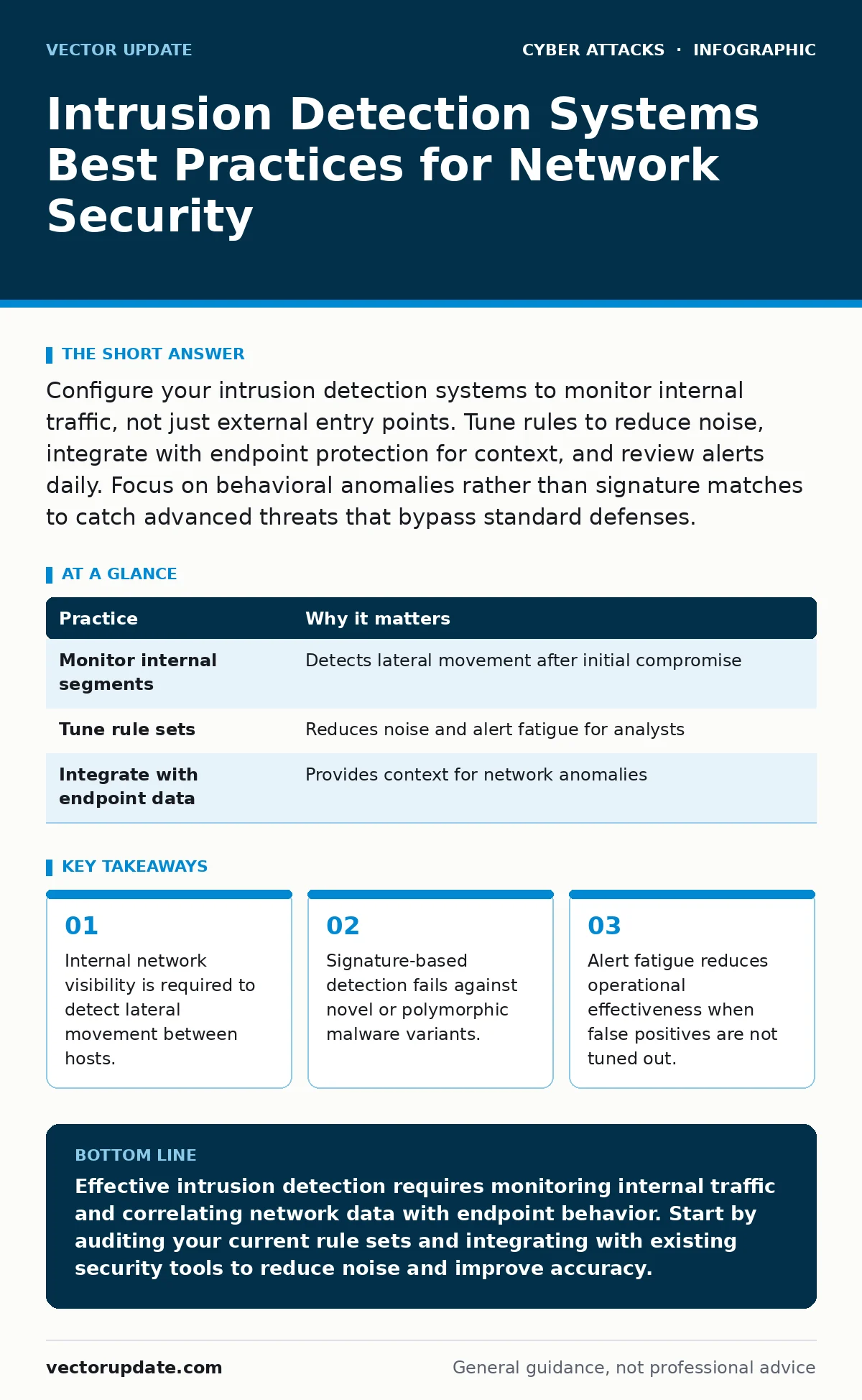
Configure your intrusion detection systems to monitor internal traffic, not just external entry points. Tune rules to reduce noise, integrate with endpoint protection for context, and review alerts daily. Focus on behavioral anomalies rather than signature matches to catch advanced threats that bypass standard defenses.
Shift Focus to Internal Traffic
Most administrators configure intrusion detection systems to watch the perimeter. This approach assumes all threats enter from the outside. Modern attacks often begin with a compromised credential or a phishing click that bypasses the firewall. Once inside, the attacker moves laterally. You must monitor internal network segments to see this movement.
Imagine a threat actor who gains access through a valid user login. Traditional perimeter tools see this as normal traffic. An IDS watching internal segments can flag unusual data transfers between workstations and servers. Place sensors at network aggregation points to capture east-west traffic.
| Practice | Why it matters |
|---|---|
| Monitor internal segments | Detects lateral movement after initial compromise |
| Tune rule sets | Reduces noise and alert fatigue for analysts |
| Integrate with endpoint data | Provides context for network anomalies |
Prioritize Behavioral Anomalies
Signature-based detection relies on known patterns of malicious code. It fails when attackers modify their payload slightly. This technique, known as polymorphism, changes the signature while keeping the function the same. Behavioral analysis looks for actions that deviate from the norm. You need to define what "normal" looks like for each system.
Suppose a database server usually sends small queries. Suddenly, it begins transmitting large encrypted payloads to an unknown external IP. This is a behavioral anomaly. Configure your system to alert on volume spikes or unusual protocol usage. Do not rely solely on signature updates.
Integrate with Endpoint Data
Network traffic alone provides limited context. A spike in outbound traffic could be a legitimate software update or a data exfiltration attempt. Integrating intrusion detection with endpoint protection platforms provides the missing link. Endpoint agents report process creation, file changes, and registry modifications. This data helps distinguish between benign and malicious activity.
When the IDS flags suspicious network traffic, check the endpoint logs for corresponding activity. If a workstation sends data to a command-and-control server, the endpoint log should show a new process initiating the connection. Without this correlation, you are guessing. Ensure your logging infrastructure can correlate events by timestamp and host identity.
Tune Rules to Reduce Noise
Every environment generates false positives. A misconfigured rule can trigger alerts for routine administrative tasks. This creates alert fatigue. Analysts eventually ignore alerts when they are too frequent. You must tune your rule sets to match your specific environment. Start with default rules and disable those that do not apply to your infrastructure.
Test new rules in a staging environment before deploying them to production. Monitor the output for a week. Disable rules that generate alerts for known good traffic. Keep a record of why each rule is enabled. This documentation helps when troubleshooting false positives later. Regular tuning is not a one-time task.
Automate Response Where Safe
Manual investigation of every alert is unsustainable. Automation allows you to handle low-risk alerts without human intervention. For example, you can automatically isolate a host that matches a known malware signature. This contains the threat before it spreads. However, automation carries risks. Incorrect rules can disrupt business operations.
Define clear playbooks for automated responses. Only automate actions that are reversible or have low business impact. Block an IP address for five minutes rather than permanently. Alert a human operator before taking drastic measures like shutting down a server. Review automated actions weekly to ensure they are working as intended.
See also: Network Address Translation: How NAT Works and Its Hidden Risks · Cyber Espionage Defined: Tactics, Targets, and Silent Persistence
Validate with Active Testing
You cannot trust an IDS you have not tested. Passive monitoring assumes the system is working correctly. Active testing proves it. Use internal penetration testing or red team exercises to generate known malicious traffic. Verify that the IDS detects these activities. Check for gaps in coverage.
Suppose your team tests a simulated brute force attack. If the IDS does not alert, your threshold may be too high. Adjust the sensitivity and test again. Document the results. This process reveals blind spots in your network visibility. It also trains your team to recognize valid alerts during real incidents.
Review Logs for Context
Alerts are raw data. They require context to be useful. Reviewing logs helps you understand the broader picture. Look for patterns across multiple alerts. A single failed login is often noise. Five failed logins from different sources targeting the same account suggests a dictionary attack.
Correlate IDS alerts with other security tools. Compare them with email filtering logs or login alerts from identity providers. This multi-layered view reduces false positives. It also helps prioritize incidents. Focus on alerts that correlate with other suspicious activities. Ignore isolated events that lack supporting evidence.
Maintain Rule Integrity
Over time, rule sets become bloated and outdated. Old rules may no longer apply to your infrastructure. They generate noise and waste resources. Regularly review and prune your rule base. Remove rules that have not triggered in months. Update rules to reflect current threat intelligence.
Coordinate rule updates with change management processes. Test updates in a non-production environment first. Verify that new rules do not conflict with existing ones. Keep a version history of your rule sets. This allows you to revert changes if they cause issues. Regular maintenance ensures your IDS remains effective and efficient.
Key takeaways
- Internal network visibility is required to detect lateral movement between hosts.
- Signature-based detection fails against novel or polymorphic malware variants.
- Alert fatigue reduces operational effectiveness when false positives are not tuned out.
Effective intrusion detection requires monitoring internal traffic and correlating network data with endpoint behavior. Start by auditing your current rule sets and integrating with existing security tools to reduce noise and improve accuracy.
Frequently asked questions
How often should I update IDS signatures?
Update signatures regularly, ideally daily or weekly, to protect against newly discovered threats. Delaying updates leaves your network vulnerable to known exploits that have public patches.
Can an IDS replace a firewall?
No, an IDS is a monitoring tool, not a blocking mechanism. It detects suspicious activity but does not prevent it. You must pair it with a firewall or an intrusion prevention systems solution to actively block traffic.
What is the difference between IDS and IPS?
An IDS observes traffic and generates alerts. An IPS sits inline and can drop packets or block connections. IPS requires more careful tuning to avoid blocking legitimate traffic.
How do I handle alert fatigue?
Reduce noise by tuning rules to your specific environment. Integrate with other security tools for better context. Automate responses for low-risk alerts. Focus on behavioral anomalies rather than simple signature matches.
How this guide was produced: written by the Vector Update editorial team with AI assistance, checked against the public references listed below, and reviewed when the facts change. See our editorial policy or report an error.