Disaster Recovery Plans: How to Restore Systems After a Catastrophe
Most organizations fail because they test their recovery procedures only on paper, leaving critical data gaps that only surface during an actual emergency shutdown.

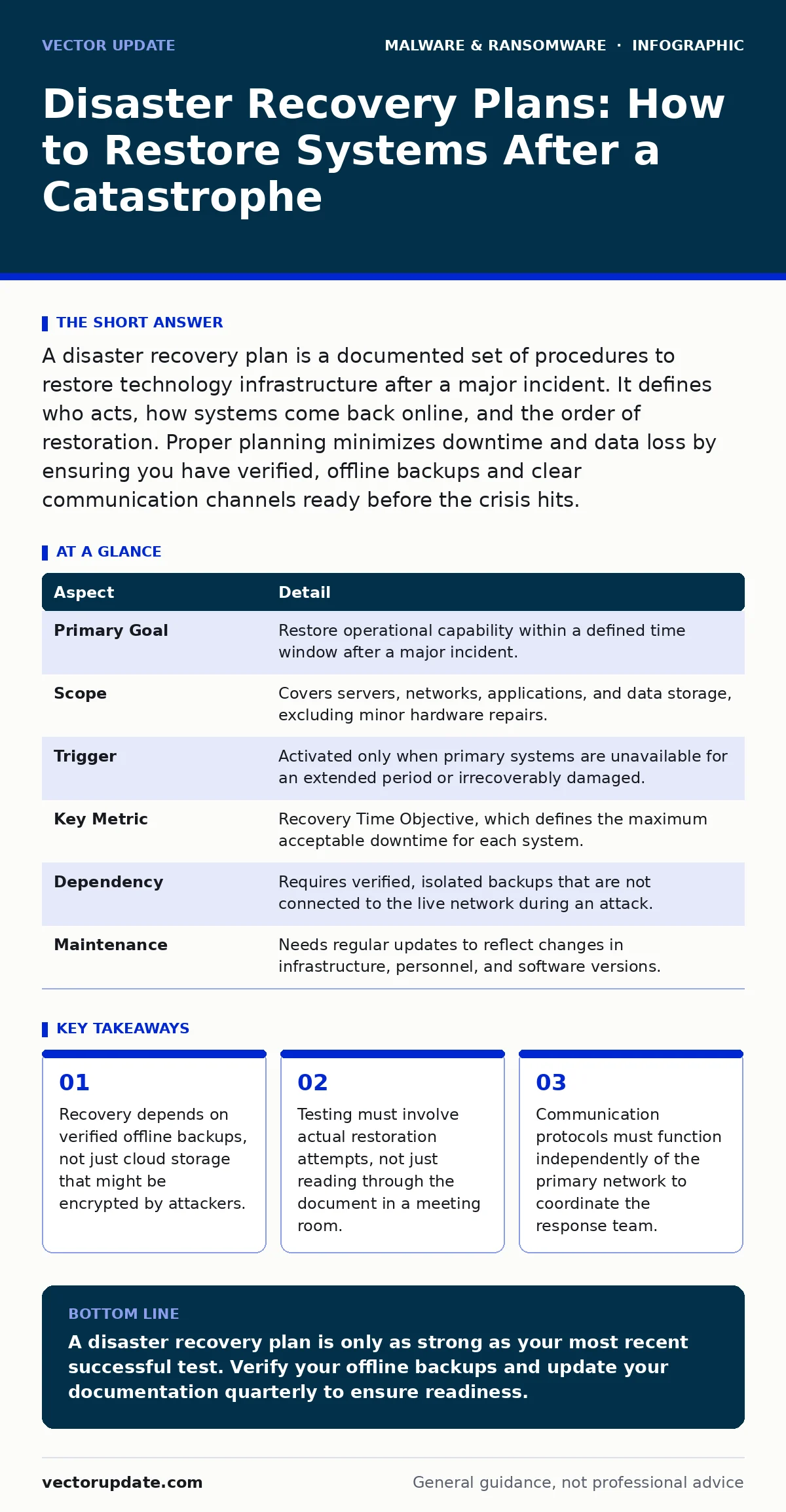
A disaster recovery plan is a documented set of procedures to restore technology infrastructure after a major incident. It defines who acts, how systems come back online, and the order of restoration. Proper planning minimizes downtime and data loss by ensuring you have verified, offline backups and clear communication channels ready before the crisis hits.
The Concept of Disaster Recovery Plans
Imagine a library where the main building burns down. The books inside are lost forever. Now imagine a second library, miles away, with exact copies of every book. You lose the building, but you keep the knowledge. Disaster recovery plans function as that second library for your digital infrastructure. They provide the blueprint for rebuilding operations when primary systems fail due to hardware destruction, software corruption, or malicious encryption.
A disaster recovery plan is a formal document that outlines the steps required to restore critical business functions after a catastrophic event. It is distinct from simple backup routines because it addresses the entire ecosystem of dependencies, including network configuration, application servers, and user access rights. The plan dictates not just what data to save, but how to reconstruct the environment that uses that data.
| Aspect | Detail |
|---|---|
| Primary Goal | Restore operational capability within a defined time window after a major incident. |
| Scope | Covers servers, networks, applications, and data storage, excluding minor hardware repairs. |
| Trigger | Activated only when primary systems are unavailable for an extended period or irrecoverably damaged. |
| Key Metric | Recovery Time Objective, which defines the maximum acceptable downtime for each system. |
| Dependency | Requires verified, isolated backups that are not connected to the live network during an attack. |
| Maintenance | Needs regular updates to reflect changes in infrastructure, personnel, and software versions. |
How the Mechanism Works
The mechanism relies on three pillars: identification, prioritization, and restoration. You must first identify which systems are critical to daily operations. Not all servers hold equal weight. A payroll server may be less urgent than a customer-facing database during a weekend outage, but more urgent on a Friday afternoon. Prioritization ensures you spend limited recovery resources on the systems that keep the lights on.
Restoration follows a strict sequence. You cannot restore an application server before the network infrastructure that supports it is functional. You cannot restore user data before the database engine is running. The plan maps these dependencies. It specifies which team members are responsible for each step. It defines the communication channels used when the primary email system is down. This structure prevents chaos and ensures that every action supports the next.
Who It Affects and Why It Matters
Every organization that relies on digital infrastructure is affected by the absence of a functional plan. Small businesses often assume their cloud provider handles everything. This assumption fails when the provider’s interface becomes the target of an attack. Large enterprises face complex interdependencies where one failed service cascades into dozens of others. The impact is measured in lost productivity, reputational damage, and potential regulatory penalties.
The plan affects system administrators who execute the technical steps. It affects management who must authorize expenditures for emergency hardware or services. It affects end-users who need clear instructions on how to access work while systems are rebuilt. Without a plan, these groups operate in silos, creating confusion and delaying recovery. The plan aligns their actions into a single, coordinated effort.
What To Do About It
You must start by auditing your current backup infrastructure. Verify that backups are written to media that is not constantly connected to the network. This isolation protects against ransomware that seeks to encrypt everything it can reach. If your backups are online and accessible by the same credentials as your live systems, they are vulnerable. The security of your recovery depends on the separation of your recovery media from your primary environment.
Next, document the exact steps to restore each critical system. Do not rely on tribal knowledge held by a single administrator. If that person is unavailable, the recovery stalls. Write down the commands, the configurations, and the order of operations. Store this document in a location that is accessible even if the main network is down. Physical copies in a secure off-site location are often the most reliable option.
Finally, test the plan. A plan that has never been executed is merely a hypothesis. Schedule regular drills where you attempt to restore a non-production system from backup. Measure how long it takes. Identify where the process breaks. Update the document based on these findings. This iterative process ensures that the plan remains accurate as your infrastructure evolves.
What People Usually Get Wrong
Many organizations treat the disaster recovery plan as a static document. They write it once and file it away. Infrastructure changes constantly. New servers are added. Software is updated. Permissions are modified. If the plan is not updated to reflect these changes, the restoration steps will fail. The plan must be a living document that evolves with the technology stack.
Another common error is assuming that cloud storage equals disaster recovery. Cloud providers offer durability, but they do not offer immutability by default. If an attacker gains access to your cloud account, they can delete or encrypt your cloud backups. You must implement versioning and retention policies that prevent deletion for a set period. You must also use separate, restricted credentials for backup access.
A third mistake is ignoring the human element. Technical restoration is only half the battle. Employees need to know how to work when systems are offline. They need alternative communication methods. They need clear instructions on what data is safe to access and what is compromised. Without training, the technical recovery is undermined by user error and confusion.
See also: Payment Card Theft: Response and Recovery Steps for Systems · Android Malware Removal: 7 Mistakes That Leave Threats Behind
Hidden Costs and Unexpected Consequences
The hidden cost of a poor plan is technical debt. When you rush to restore systems without a clear sequence, you often introduce configuration errors. These errors create stability issues that surface weeks later. You may restore data to a server that is incompatible with the current application version. You may restore permissions that grant excessive access. These issues require additional time to diagnose and fix, extending the total downtime.
Another unexpected consequence is the loss of trust. If users cannot access their work for an extended period, they lose confidence in the IT department. This erosion of trust makes future security initiatives harder to implement. Users may bypass security controls to regain access quickly, creating new vulnerabilities. A smooth, transparent recovery process maintains trust and reinforces the value of security measures.
Integrating with Broader Security Strategies
Disaster recovery does not exist in a vacuum. It intersects with other security practices. For instance, understanding how ransomware-as-a-service operates helps you design backups that are resilient to the specific tactics used by these groups. You must assume that attackers will look for backup credentials. Isolation is your primary defense.
You should also consider the role of extended detection and response (XDR) in identifying the root cause of the failure. If you restore systems without removing the underlying threat, the attack will recur. The recovery plan must include a validation step to ensure the environment is clean before restoration begins.
For mobile devices, the principles are similar but the execution differs. Mobile malware can compromise endpoints that sync with corporate data. Your recovery plan must account for wiping and re-enrolling these devices. Refer to specific guides on removing malware from an Android phone for detailed steps on endpoint remediation, as the recovery of the device is part of the broader infrastructure recovery.
Final Steps for Implementation
Review your current backup strategy immediately. Ensure that at least one copy of critical data exists on media that is physically disconnected from the network. Update your documentation to reflect the current state of your infrastructure. Schedule a tabletop exercise to walk through the recovery steps with key personnel. Identify gaps in knowledge or access. Address these gaps before an incident occurs.
Key takeaways
- Recovery depends on verified offline backups, not just cloud storage that might be encrypted by attackers.
- Testing must involve actual restoration attempts, not just reading through the document in a meeting room.
- Communication protocols must function independently of the primary network to coordinate the response team.
A disaster recovery plan is only as strong as your most recent successful test. Verify your offline backups and update your documentation quarterly to ensure readiness.
Frequently asked questions
How often should I test my disaster recovery plan?
Test at least twice a year, or after any significant change to your infrastructure or software stack.
Is cloud storage enough for disaster recovery?
No, cloud storage must be combined with immutable retention policies and separate credentials to prevent deletion or encryption by attackers.
What is the difference between a backup and disaster recovery?
A backup is a copy of data; disaster recovery is the process of using that copy to restore operations, including network and application configuration.
Who should be involved in creating the plan?
System administrators, network engineers, application owners, and senior management should all contribute to ensure technical accuracy and business alignment.
How this guide was produced: written by the Vector Update editorial team with AI assistance, checked against the public references listed below, and reviewed when the facts change. See our editorial policy or report an error.