Fix Common WPA3 Misconfigurations Before They Break Wi-Fi
WPA3 SAE prevents offline dictionary attacks but introduces a new vulnerability window that allows attackers to lock out legitimate users from your network.

WPA3 improves Wi-Fi security by replacing weak password hashing with a handshake that resists offline guessing. However, misconfiguring backward compatibility, disabling management frames, or ignoring device support can create open doors for denial-of-service attacks and credential theft.
Mistake 1: Leaving WPA2 Personal in Mixed Mode
Most access points offer a mixed mode that allows both WPA2 and WPA3 clients to connect. Administrators often leave this enabled to ensure older devices can join the network. This configuration creates a critical weakness because the network will negotiate the lowest common denominator with any client.
Why it hurts: An attacker with a simple wireless card can pretend to be a legacy client. The access point will then negotiate a WPA2 connection with the attacker. Once connected, the attacker can capture the handshake and perform an offline dictionary attack to crack the password. The WPA3 security features are completely bypassed in this scenario.
The fix: Disable mixed mode entirely. Force the network to use WPA3 Personal only. You must ensure every device on the network supports WPA3 before making this change. If you have legacy devices that cannot be upgraded, place them on a separate, isolated guest network that uses WPA2. This isolates the risk and prevents the main network from being downgraded.
Mistake 2: Ignoring Management Frame Protection
WPA3 includes a feature called Management Frame Protection, or MFP. This feature signs and encrypts management frames, which are the control messages that manage the connection between a client and the access point. Many administrators enable WPA3 but leave MFP set to optional or disabled.
Why it hurts: Without MFP, an attacker can send spoofed deauthentication frames. These frames tell a client to disconnect from the network. The client will then attempt to reconnect, allowing the attacker to capture the handshake or force the client into an attack mode. This is a common denial-of-service technique that works regardless of how strong your password is.
The fix: Enable MFP in mandatory mode. This ensures that all management frames are authenticated. If a client receives a management frame that it cannot verify, it discards it rather than acting on it. This prevents attackers from forcing disconnections or injecting control messages. Check your client devices to ensure they support mandatory MFP, as some older drivers may drop the connection if this is enforced.
Mistake 3: Using Weak Passphrases with SAE
WPA3 uses Simultaneous Authentication of Equals, or SAE, for the handshake process. SAE is designed to resist offline dictionary attacks by making it computationally expensive to guess passwords. However, SAE is not magic. It still relies on the strength of the passphrase you choose.
Why it hurts: If you use a short or common password, an attacker can still perform an online brute-force attack. SAE limits the rate of guesses, but a determined attacker can still lock out users or eventually guess the password. Weak passphrases also make it easier for attackers to perform "noisy" SAE attacks, which can disrupt the network.
The fix: Use a long, random passphrase. Aim for at least twenty characters. Random strings of letters, numbers, and symbols are far more resistant to guessing than dictionary words. You can use a passphrase generator to create these strings. Store the generated passphrases in a secure password manager. Do not reuse Wi-Fi passwords across different networks.
Mistake 4: Disabling Opportunistic Wireless Encryption
Opportunistic Wireless Encryption, or OWE, is a feature in WPA3 that encrypts traffic between clients on the same network. This is particularly useful for open networks that do not require a password. Many administrators disable OWE because they believe it adds unnecessary complexity.
Why it hurts: Without OWE, traffic between devices on the same Wi-Fi network is sent in plain text. An attacker connected to the same network can sniff all traffic between other clients. This includes sensitive data like emails, login credentials, and file transfers. OWE provides encryption without requiring a shared key, making it a critical security feature for public or guest networks.
The fix: Enable OWE on all open networks. This ensures that traffic is encrypted end-to-end between clients. It does not replace the need for application-layer security, but it adds a vital layer of protection against local eavesdropping. Ensure that your clients support OWE, as some older devices may not be able to connect if this feature is enforced.
Mistake 5: Overlooking Enterprise Configuration Complexity
WPA3 Enterprise uses a public key infrastructure to authenticate users and devices. This is more secure than WPA3 Personal because it uses individual certificates rather than a shared password. However, configuring WPA3 Enterprise is complex and prone to errors.
Why it hurts: Misconfigured certificates can lead to authentication failures. If the certificate authority is not properly trusted, clients will be unable to connect. Additionally, weak key exchanges or outdated cipher suites can undermine the security benefits of WPA3 Enterprise. A misconfigured enterprise setup can lock out legitimate users while leaving the network vulnerable to man-in-the-middle attacks.
The fix: Use automated tools to manage certificates. Ensure that your certificate authority is secure and that certificates are rotated regularly. Test the configuration with a small group of users before rolling it out to the entire organization. Monitor the network for authentication failures and adjust the configuration as needed. Refer to a guide on public key infrastructure for best practices in certificate management.
See also: Network Address Translation: How NAT Works and Its Hidden Risks
Mistake 6: Failing to Update Client Firmware
WPA3 is a new standard, and early implementations had bugs and vulnerabilities. Many devices, especially older ones, have firmware that does not fully support WPA3 or has known security flaws. Administrators often focus on updating the access point but neglect the client devices.
Why it hurts: A device with flawed WPA3 implementation can be exploited to bypass security measures. For example, some early implementations allowed attackers to recover the password by analyzing the handshake. These vulnerabilities are often patched in firmware updates, but if the devices are not updated, the network remains vulnerable.
The fix: Regularly check for firmware updates for all Wi-Fi devices. Enable automatic updates where possible. Remove devices that no longer receive security updates from the network. Consider using a separate network for devices that cannot be updated, and isolate them from the main network. This limits the attack surface and prevents vulnerable devices from compromising the entire network.
Mistake 7: Ignoring IoT Device Limitations
Internet of Things devices often have limited processing power and memory. Many IoT devices do not support WPA3 or have poor implementations. Administrators often try to force WPA3 on these devices, leading to connectivity issues or security gaps.
Why it hurts: Forcing WPA3 on unsupported IoT devices can cause them to disconnect frequently or fail to connect at all. This disrupts operations and can lead to blind spots in monitoring. Alternatively, leaving these devices on WPA2 creates a security risk, as they can be used as a foothold for attackers to access the rest of the network.
The fix: Segment IoT devices onto a separate VLAN. Use WPA2 on this segment but restrict access to the main network. Implement strict firewall rules to limit the traffic that IoT devices can send and receive. Monitor this segment closely for unusual activity. This approach balances security with the practical limitations of IoT hardware. See our guide on Internet of Things security for more details on segmenting these devices.
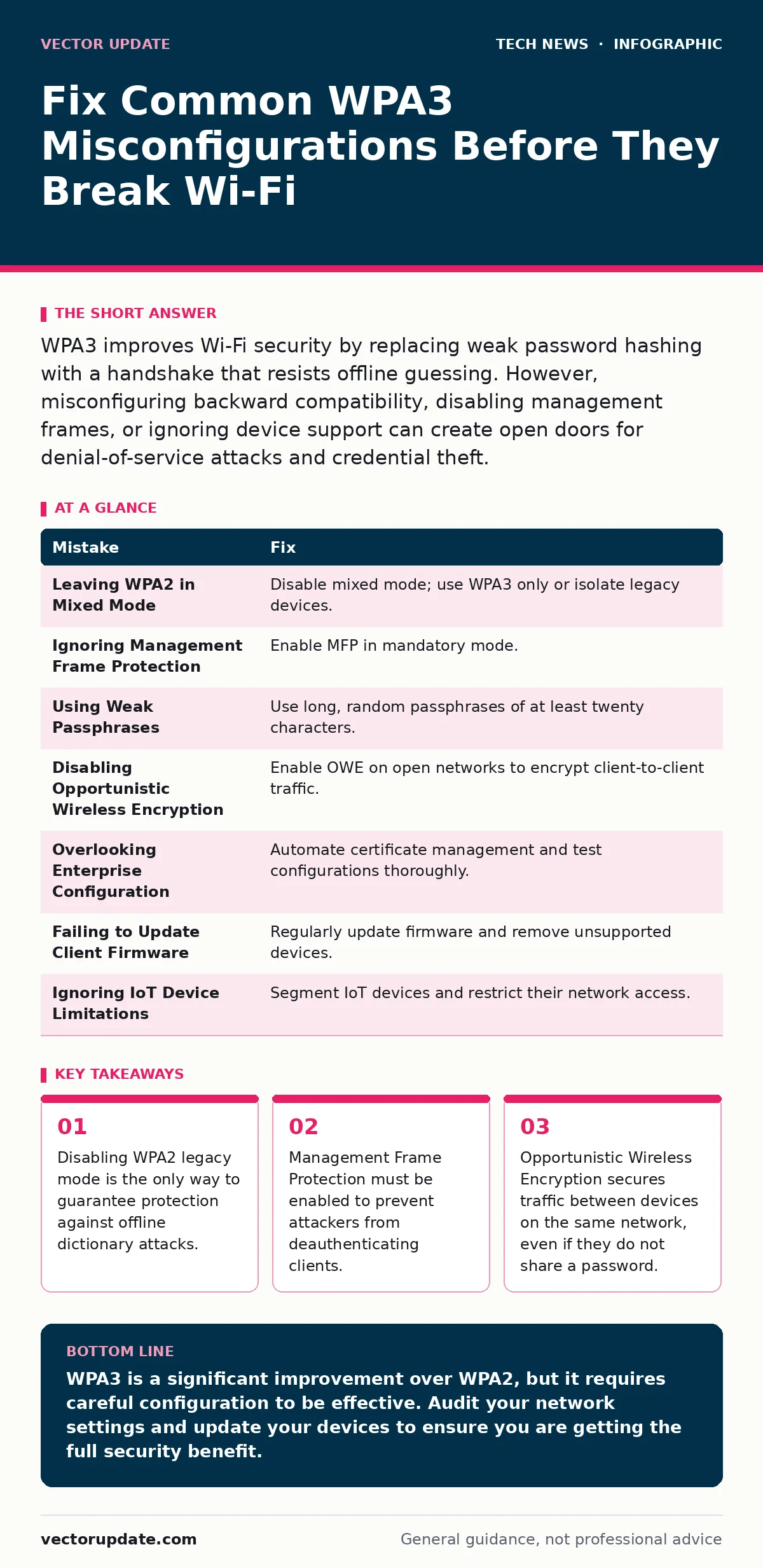
| Mistake | Fix |
|---|---|
| Leaving WPA2 in Mixed Mode | Disable mixed mode; use WPA3 only or isolate legacy devices. |
| Ignoring Management Frame Protection | Enable MFP in mandatory mode. |
| Using Weak Passphrases | Use long, random passphrases of at least twenty characters. |
| Disabling Opportunistic Wireless Encryption | Enable OWE on open networks to encrypt client-to-client traffic. |
| Overlooking Enterprise Configuration | Automate certificate management and test configurations thoroughly. |
| Failing to Update Client Firmware | Regularly update firmware and remove unsupported devices. |
| Ignoring IoT Device Limitations | Segment IoT devices and restrict their network access. |
Key takeaways
- Disabling WPA2 legacy mode is the only way to guarantee protection against offline dictionary attacks.
- Management Frame Protection must be enabled to prevent attackers from deauthenticating clients.
- Opportunistic Wireless Encryption secures traffic between devices on the same network, even if they do not share a password.
WPA3 is a significant improvement over WPA2, but it requires careful configuration to be effective. Audit your network settings and update your devices to ensure you are getting the full security benefit.
Frequently asked questions
Can I use WPA3 on my home network?
Yes, if your router and all your devices support WPA3. Check your device specifications to ensure compatibility before making the switch.
What happens if I disable WPA2 mixed mode?
Older devices that do not support WPA3 will not be able to connect to the network. You must upgrade these devices or place them on a separate network.
Is WPA3 Enterprise worth the complexity?
For businesses, yes. WPA3 Enterprise provides individual authentication and stronger encryption. For home users, WPA3 Personal is usually sufficient.
How often should I change my Wi-Fi password?
Change your Wi-Fi password if you suspect it has been compromised or if you have changed the network configuration. Regular changes are not necessary if the password is strong and unique.
How this guide was produced: written by the Vector Update editorial team with AI assistance, checked against the public references listed below, and reviewed when the facts change. See our editorial policy or report an error.