Build an Asset Inventory List That Catches Hidden Risks
Your asset inventory list fails when it tracks only what you bought, missing the shadow IT and virtual machines that attackers actually target.

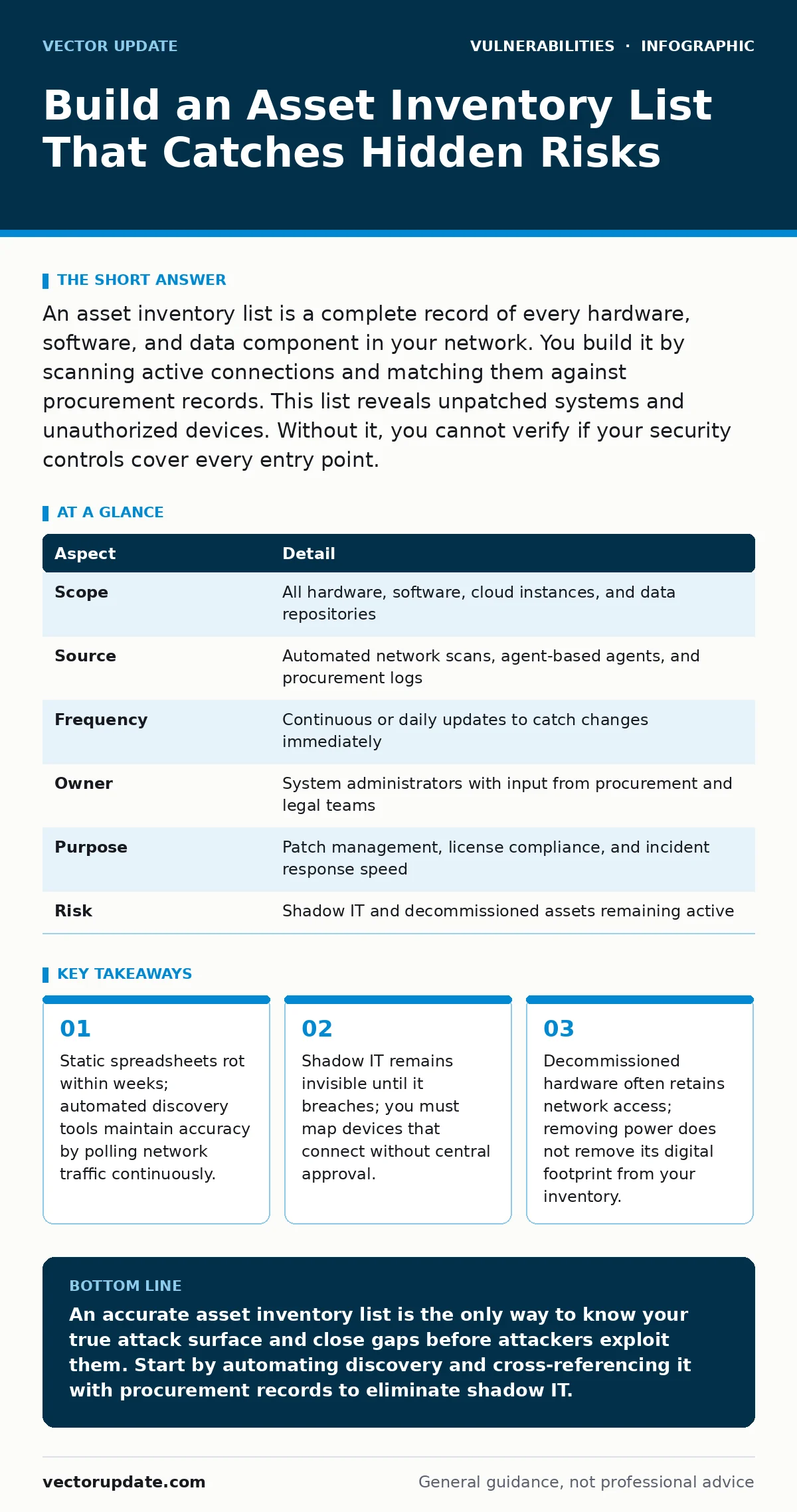
An asset inventory list is a complete record of every hardware, software, and data component in your network. You build it by scanning active connections and matching them against procurement records. This list reveals unpatched systems and unauthorized devices. Without it, you cannot verify if your security controls cover every entry point.
The Problem with Paper Trails
Imagine a library where books check themselves out and return themselves without telling the librarian. You cannot secure what you cannot see. An asset inventory list is the digital equivalent of that librarian’s ledger. It records every server, laptop, router, and software license connected to your environment. Most organizations start with a spreadsheet. That spreadsheet becomes inaccurate the moment a new employee plugs in a device.
You need this list to understand your attack surface. Attackers do not care about your organizational chart. They care about open ports and running services. If a server is not on your list, you do not patch it. If you do not patch it, it remains vulnerable. This gap between reality and your records is where breaches begin.
| Aspect | Detail |
|---|---|
| Scope | All hardware, software, cloud instances, and data repositories |
| Source | Automated network scans, agent-based agents, and procurement logs |
| Frequency | Continuous or daily updates to catch changes immediately |
| Owner | System administrators with input from procurement and legal teams |
| Purpose | Patch management, license compliance, and incident response speed |
| Risk | Shadow IT and decommissioned assets remaining active |
How Discovery Actually Works
You cannot rely on manual entry. Humans forget to log new virtual machines. They forget to log updates. You need automated discovery tools. These tools send packets across your network. They listen for responses. This process is called passive and active scanning. Active scanning probes devices directly. Passive scanning listens to traffic without touching the device.
Combine both methods. Active scanning finds devices that are online but quiet. Passive scanning finds devices that are active but hidden behind firewalls. You must correlate this data with your procurement records. A device might be on the network, but is it authorized? If it is not on your purchase order, it is shadow IT. Shadow IT is a significant risk because it bypasses your security policies.
The Hidden Cost of Missing Assets
An asset inventory list is not just a list of things. It is a map of dependencies. When a server goes down, you need to know what services rely on it. If you do not know, you cannot prioritize your response. This is the hidden cost of poor inventory. You waste time guessing instead of fixing.
Consider the lifecycle of hardware. You buy a laptop. You use it for three years. You retire it. Do you remove it from the network? Often, no. The device stays powered on in a closet. It still has an IP address. It still responds to pings. Attackers scan for these "zombie" devices. They are easy targets because they are forgotten. They often lack recent patches. They provide a foothold into your internal network.
What People Usually Get Wrong
Most teams focus on hardware. They count servers and laptops. They ignore software. Software is often more dangerous. A single server can run dozens of applications. Each application has its own vulnerabilities. If you do not track software versions, you cannot patch effectively. You might think you are secure because the server is patched. But the application on it is not.
Another common error is trusting the network diagram. Network diagrams are static. Networks are dynamic. Cloud environments change every minute. Virtual machines spin up and down. Your diagram is outdated the moment you save it. You need a live view. You need tools that update in real-time. This is where exposure management comes in. It provides a continuous view of your external attack surface.
Integrating with Security Controls
Your asset inventory list must feed your security tools. It should tell your patch management system what to update. It should tell your firewall what to block. If these systems do not talk to each other, you have gaps. You might block a port on the firewall, but the server is still running a vulnerable service on a different port.
You must also track configurations. A device is not just "on" or "off." It has settings. Are remote logins enabled? Is encryption turned on? These settings matter. An asset inventory list that only tracks existence is incomplete. It must track state. This allows you to detect drift. Drift is when a device changes from its secure baseline. Detecting drift early prevents compromise.
See also: Broken Access Control Mistakes That Leave Systems Open
Handling Third-Party Dependencies
Your environment does not end at your firewall. You use third-party libraries. You use external APIs. These are also assets. If you do not track them, you are vulnerable to supply chain attacks. A vulnerable third-party library can compromise your entire application. You need to know what libraries you use. You need to know their versions. You need to know if they have known flaws.
This is difficult because dependencies have dependencies. Library A uses Library B. Library B uses Library C. You must map this chain. Tools that analyze code can help. They scan your source code and list every dependency. You must update this list whenever you change your code. This ensures you are not using broken access control patterns or other known flaws.
Maintaining Accuracy Over Time
Accuracy decays. You must maintain it. Schedule regular audits. Compare your automated scan results with your procurement records. Investigate discrepancies. If a device is on the network but not in procurement, remove it. If it is in procurement but not on the network, find it. This process is tedious. It is necessary.
Assign ownership. Every asset must have an owner. The owner is responsible for its security. If a server has no owner, no one patches it. If a software license has no owner, no one renews it. Clear ownership ensures accountability. It also speeds up incident response. When a breach occurs, you know who to call. You know who has the keys.
The Role of Firmware and Updates
Hardware has firmware. Firmware is the low-level software that controls hardware. It is often overlooked. Firmware vulnerabilities are serious because they are hard to patch. You cannot just click "update" like you do with an operating system. You must flash the firmware. This is risky. If it fails, the device is bricked.
Your asset inventory list must track firmware versions. You must know when updates are available. You must test them before deploying. This is where firmware updates become critical. They are not optional. They are part of your security baseline. If you ignore them, you leave backdoors open. These backdoors are often known to attackers. They are published in public databases. You must check these databases regularly.
Connecting to Broader Security Strategies
An asset inventory list is the foundation. It supports other security efforts. It helps you manage browser updates by knowing which devices are in use. It helps you detect cross-site scripting (XSS) by knowing which web applications are exposed. It helps you identify business logic flaws by mapping how applications interact.
You cannot secure what you do not know exists. You cannot patch what you do not track. You cannot respond to incidents without a map. Your asset inventory list is that map. Keep it accurate. Keep it current. Keep it integrated with your security tools. This is how you stay ahead of attackers. They are always scanning. You must always know what they see.
Key takeaways
- Static spreadsheets rot within weeks; automated discovery tools maintain accuracy by polling network traffic continuously.
- Shadow IT remains invisible until it breaches; you must map devices that connect without central approval.
- Decommissioned hardware often retains network access; removing power does not remove its digital footprint from your inventory.
An accurate asset inventory list is the only way to know your true attack surface and close gaps before attackers exploit them. Start by automating discovery and cross-referencing it with procurement records to eliminate shadow IT.
Frequently asked questions
How often should I update my asset inventory list?
You should update it continuously or at least daily. Manual updates are too slow for modern environments. Automated tools should scan for changes in real-time to catch new devices and software installations immediately.
What is the difference between an asset inventory and a CMDB?
An asset inventory tracks what you have and where it is. A CMDB tracks how those assets relate to each other. An inventory is a list. A CMDB is a map of dependencies and services. Both are needed for full visibility.
Can I use a spreadsheet for my asset inventory list?
You can start with a spreadsheet, but you cannot scale it. Spreadsheets do not detect changes automatically. They do not correlate data from multiple sources. They become inaccurate quickly. Use dedicated tools for any environment larger than a small office.
How do I handle cloud assets in my inventory?
You must use cloud-native APIs to discover cloud assets. Traditional network scanners cannot see inside cloud environments. You need tools that integrate with your cloud provider to list instances, storage buckets, and functions automatically.
How this guide was produced: written by the Vector Update editorial team with AI assistance, checked against the public references listed below, and reviewed when the facts change. See our editorial policy or report an error.