Broken Access Control Mistakes That Leave Systems Open
Default security models often grant excessive privileges by design, creating immediate exposure when developers assume the system will enforce boundaries that do not exist.

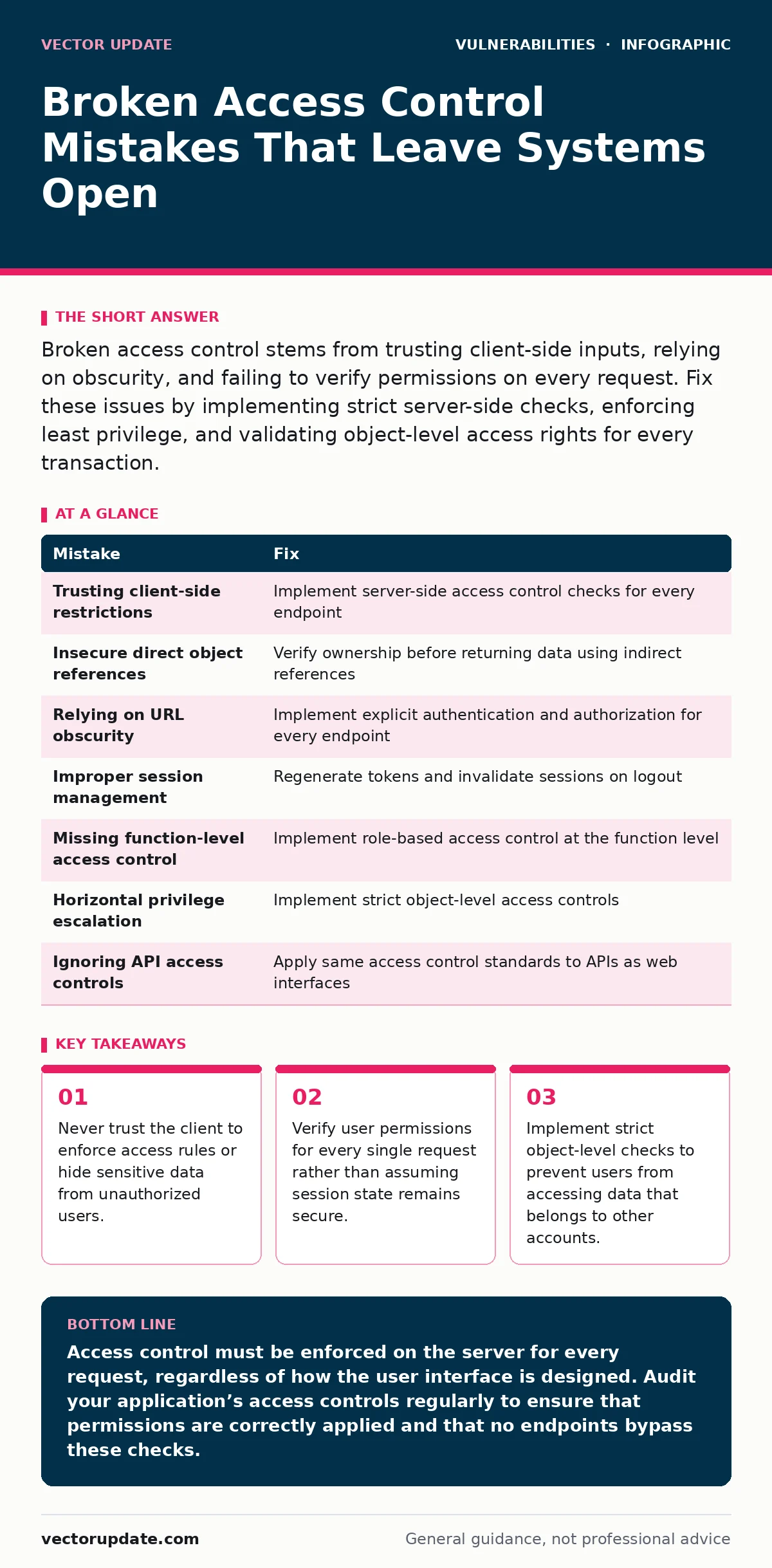
Broken access control stems from trusting client-side inputs, relying on obscurity, and failing to verify permissions on every request. Fix these issues by implementing strict server-side checks, enforcing least privilege, and validating object-level access rights for every transaction.
Mistake 1: Trusting Client-Side Restrictions
Web applications often hide buttons or links based on user roles, assuming that if a user cannot see the link, they cannot access the resource. This approach fails because clients control their own display logic. An attacker can simply guess the URL or use automated tools to request protected resources directly. The application must enforce access control on the server, regardless of what the user interface shows.
Why it hurts: Users with lower privileges can access admin functions or sensitive data by bypassing the interface. This leads to data breaches where attackers escalate privileges without triggering any visual alarms in the application logs.
The fix: Implement server-side access control checks for every endpoint. The backend must verify the user’s role and permissions before processing any request. Do not rely on CSS, JavaScript, or HTML structure to protect sensitive features.
Mistake 2: Insecure Direct Object References
Applications frequently use database keys or IDs to identify resources, such as user profiles or invoices. If the application does not verify that the requesting user owns the resource identified by the ID, an attacker can simply change the ID parameter in the request. This allows them to view or modify data belonging to other users.
Why it hurts: Attackers can enumerate valid IDs and harvest large volumes of sensitive data. This mistake often exposes personally identifiable information, financial records, or internal documents to anyone who knows how to manipulate URL parameters.
The fix: Map external identifiers to internal database keys and verify ownership before returning data. Use indirect references or tokens that the attacker cannot guess. Ensure the application checks that the authenticated user has the right to access the specific resource requested.
Mistake 3: Relying on URL Obscurity
Some developers believe that using complex, non-guessable URLs or hiding admin paths behind obscure names provides security. This practice, known as security by obscurity, assumes that attackers will not find the endpoints. However, automated scanning tools easily discover these paths, and directory listing features may expose them inadvertently.
Why it hurts: Obscurity provides no real protection. When an attacker finds the hidden endpoint, they often bypass authentication entirely because the developers assumed only they knew the location. This creates a false sense of security that delays proper implementation of access controls.
The fix: Implement explicit authentication and authorization for every endpoint. Do not rely on path complexity to protect sensitive resources. Ensure that all administrative interfaces require strong authentication and role-based access checks.
Mistake 4: Improper Session Management
Session tokens often persist longer than necessary or are not properly invalidated when users log out. If an attacker steals a valid session token, they can impersonate the user. Additionally, if the application does not check session validity on each request, an expired or revoked session may still grant access.
Why it hurts: Session hijacking allows attackers to take over user accounts without knowing the password. This is particularly dangerous for administrative accounts, where a single compromised session can lead to full system control and data exfiltration.
The fix: Regenerate session tokens after login and privilege changes. Set strict expiration times and invalidate tokens on the server side when users log out. Verify session validity and integrity on every request to ensure the user is still authenticated and authorized.
Mistake 5: Missing Function-Level Access Control
Applications often check if a user is logged in but fail to verify if that user has permission to perform specific actions. For example, a standard user might be able to access the delete user function if the application only checks for authentication. This oversight allows users to execute functions reserved for administrators or higher-privileged roles.
Why it hurts: Users can perform destructive or sensitive operations they are not authorized to execute. This can lead to data loss, system configuration changes, or escalation of privileges, compromising the entire application’s integrity.
The fix: Implement role-based access control at the function level. Define specific permissions for each user role and verify these permissions before executing any sensitive operation. Ensure that the backend validates the user’s role for every critical action.
See also: Cross-Site Scripting (XSS): How It Works and How to Stop It
Mistake 6: Horizontal Privilege Escalation
Horizontal privilege escalation occurs when a user accesses data or functions belonging to another user with the same privilege level. For instance, a customer might access another customer’s order history by manipulating request parameters. This mistake happens when applications verify authentication but fail to verify data ownership or scope.
Why it hurts: Attackers can access large volumes of data from multiple accounts with the same privilege level. This leads to mass data breaches where sensitive information is exposed across the user base, violating privacy and trust.
The fix: Implement strict object-level access controls. Verify that the user requesting data is the owner of that data or has explicit permission to access it. Use database queries that filter results by the authenticated user’s ID to prevent cross-user data access.
Mistake 7: Ignoring API Access Controls
Many applications expose APIs for mobile apps or third-party integrations. Developers sometimes bypass standard access controls for these APIs, assuming they are internal or trusted. If these APIs lack proper authentication and authorization, they become easy targets for attackers seeking to access data or perform actions programmatically.
Why it hurts: Unprotected APIs allow attackers to automate data extraction or manipulation at scale. This can lead to rapid data breaches or system abuse that traditional web application firewalls may not detect, as the traffic appears to come from legitimate API consumers.
The fix: Apply the same access control standards to APIs as to web interfaces. Require strong authentication, such as OAuth 2.0, and enforce role-based permissions on every API endpoint. Monitor API usage for anomalies and rate limit requests to prevent abuse.
| Mistake | Fix |
|---|---|
| Trusting client-side restrictions | Implement server-side access control checks for every endpoint |
| Insecure direct object references | Verify ownership before returning data using indirect references |
| Relying on URL obscurity | Implement explicit authentication and authorization for every endpoint |
| Improper session management | Regenerate tokens and invalidate sessions on logout |
| Missing function-level access control | Implement role-based access control at the function level |
| Horizontal privilege escalation | Implement strict object-level access controls |
| Ignoring API access controls | Apply same access control standards to APIs as web interfaces |
Refer to your organization’s risk-based vulnerability management program to prioritize these fixes based on potential impact. Understanding exposure management helps you identify which assets are most visible to attackers. Avoid cross-site scripting (XSS) by validating all inputs, as XSS can bypass some access controls. Be aware of business logic flaws that may allow attackers to manipulate workflows. Keep firmware updates current to patch low-level access controls. Audit vulnerable third-party libraries for known access control issues. Maintain an accurate IT asset inventory to ensure all systems are secured. Watch for firmware vulnerabilities that could compromise device-level access.
Key takeaways
- Never trust the client to enforce access rules or hide sensitive data from unauthorized users.
- Verify user permissions for every single request rather than assuming session state remains secure.
- Implement strict object-level checks to prevent users from accessing data that belongs to other accounts.
Access control must be enforced on the server for every request, regardless of how the user interface is designed. Audit your application’s access controls regularly to ensure that permissions are correctly applied and that no endpoints bypass these checks.
Frequently asked questions
How do I test for broken access control?
Use automated scanning tools to identify exposed endpoints and manually test by manipulating request parameters to access unauthorized resources.
Can web application firewalls prevent broken access control?
Web application firewalls can detect some attacks, but they cannot replace proper server-side access control implementation.
What is the difference between authentication and authorization?
Authentication verifies who the user is, while authorization determines what the user is allowed to do.
How often should I review access controls?
Review access controls after every major application change and periodically to ensure they remain effective against new threats.
How this guide was produced: written by the Vector Update editorial team with AI assistance, checked against the public references listed below, and reviewed when the facts change. See our editorial policy or report an error.