AI in Security Operations: 8 Best Practices for Real-World Defense
Automating security with AI introduces new attack surfaces and data leakage risks that standard controls often miss.
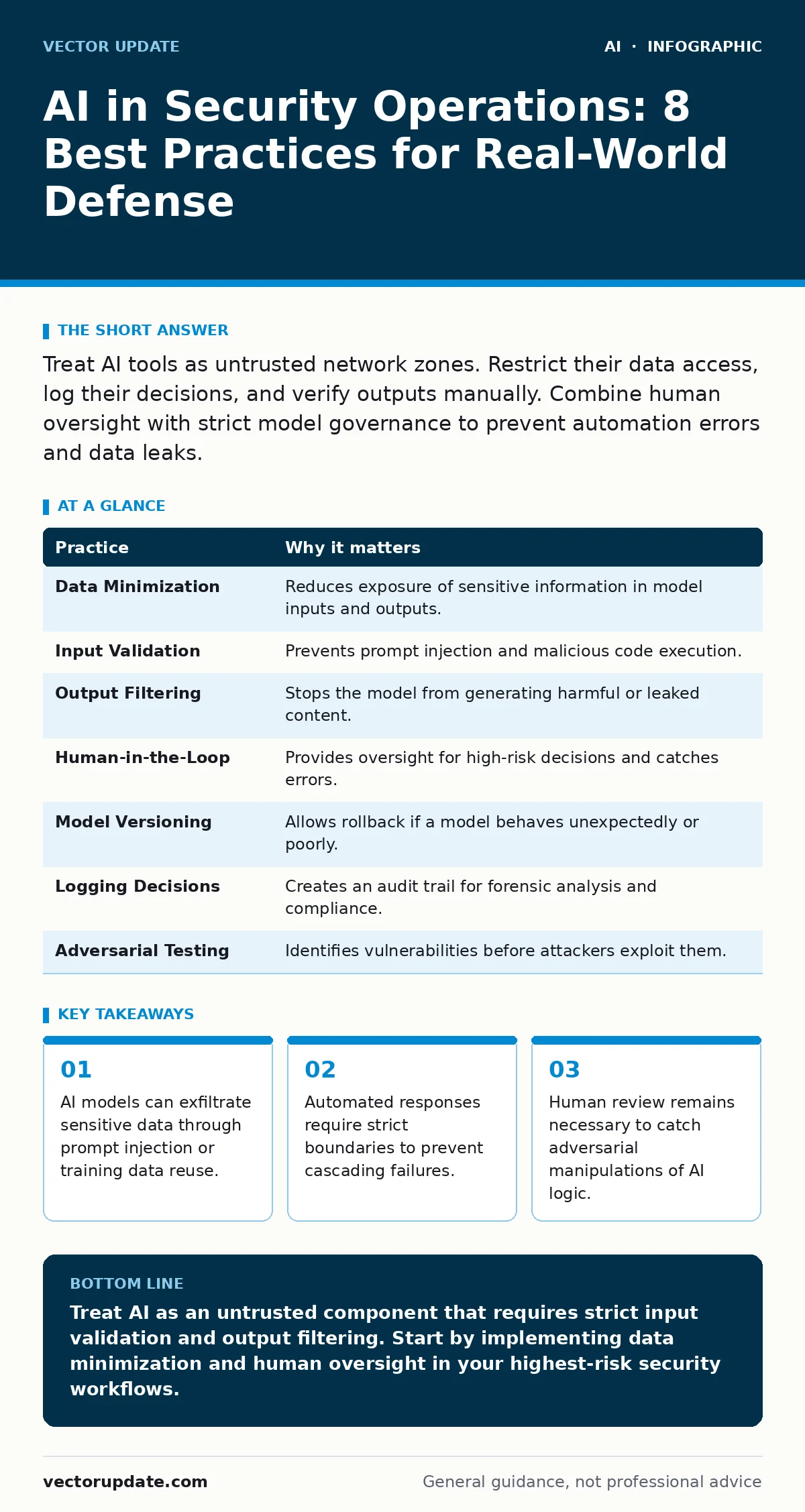
Treat AI tools as untrusted network zones. Restrict their data access, log their decisions, and verify outputs manually. Combine human oversight with strict model governance to prevent automation errors and data leaks.
Defining the AI Attack Surface
You are adding complex software stacks to your security infrastructure. These stacks include large language models, vector databases, and inference APIs. Each component has its own failure modes. A traditional firewall does not stop a prompt injection attack. You must treat the AI pipeline as an untrusted zone. The model itself is not the boundary; the data flow is.
Imagine a scenario where an attacker tricks a chatbot into revealing internal credentials. The model did not "leak" data in the traditional sense. It followed instructions embedded in the prompt. This changes how you define perimeter defense. You need controls that inspect input and output, not just network traffic.
1. Enforce Strict Data Minimization
AI models require context to function. More context often means better answers. It also means more risk. If you feed production logs into a model, you risk exposing secrets. The model may store these inputs for future training. Even with privacy promises, data persistence is hard to verify.
Limit input to what the model strictly needs. Strip identifiers, tokens, and sensitive fields before sending data to the API. Use synthetic data for testing whenever possible. This reduces the blast radius if the model is compromised.
| Practice | Why it matters |
|---|---|
| Data Minimization | Reduces exposure of sensitive information in model inputs and outputs. |
| Input Validation | Prevents prompt injection and malicious code execution. |
| Output Filtering | Stops the model from generating harmful or leaked content. |
| Human-in-the-Loop | Provides oversight for high-risk decisions and catches errors. |
| Model Versioning | Allows rollback if a model behaves unexpectedly or poorly. |
| Logging Decisions | Creates an audit trail for forensic analysis and compliance. |
| Adversarial Testing | Identifies vulnerabilities before attackers exploit them. |
| Vendor Assessment | Ensures third-party models meet your security standards. |
2. Validate All Inputs Rigorously
Attackers can hide malicious instructions in harmless-looking text. This is called prompt injection. The model executes these instructions as if they were system commands. You must treat all external input as hostile. Do not trust the user or the source of the text.
Use separate channels for instructions and data. Keep system prompts static and hidden from users. Validate input length and structure. Reject inputs that match known injection patterns. This adds latency but prevents immediate execution of attacks. See our guide on securing AI agents for deeper technical controls on agent behavior.
3. Filter Model Outputs
The model generates text based on probability. It may hallucinate facts or repeat sensitive data from its training set. An unfiltered output can bypass your downstream applications. You must inspect the model's response before using it.
Set up rules to block specific patterns. Check for code snippets, email addresses, or internal jargon. If the output contains unexpected data, discard it. Do not assume the model is correct. Verification is a mandatory step in the pipeline.
4. Maintain Human Oversight
Automation speeds up response times. It also speeds up mistakes. An AI might escalate a false positive to a critical incident. This causes alarm fatigue and wastes resources. You cannot fully trust an automated decision in high-stakes environments.
Keep a human in the loop for significant actions. The AI should recommend, not execute. Require manual approval for account locks, data deletion, or external communications. This slows down the process slightly but prevents catastrophic errors. Read about responsible AI practices to understand the ethical dimensions of this trade-off.
See also: Synthetic Media Defined: What It Is and How It Works · Responsible AI Practices Checklist for Production Systems
5. Log Every Decision and Reason
When an AI blocks a request, it does not always explain why. This lack of transparency makes debugging difficult. You need to know why the model acted. Log the input, the model version, and the output.
Store these logs securely. They are vital for forensic analysis. If a mistake occurs, you can trace it back to the specific prompt. This helps you refine the model and improve accuracy over time. Without logs, you are flying blind.
6. Test Against Adversarial Inputs
Standard testing covers happy paths. It does not cover attacks. You need to test your AI system against malicious inputs. This is called adversarial testing. Try to trick the model with subtle changes to the text.
Use red teaming exercises. Have security experts attempt to break the system. Document the failures. Fix the vulnerabilities before deployment. This proactive approach is cheaper than reacting to a breach. See our guide on deepfake detection for examples of adversarial media attacks.
7. Version Control Your Models
Software changes. AI models change too. A new version might behave differently. It might be more accurate or less secure. You must track which version of the model is in use.
Do not update models in production without testing. Keep previous versions available. If the new version fails, roll back immediately. This ensures stability and predictability. It also helps with compliance audits.
8. Assess Third-Party Risks
Many organizations use third-party AI models. You do not control the underlying infrastructure. You rely on the vendor's security practices. If the vendor is breached, your data may be at risk.
Review the vendor's security documentation. Check for certifications and compliance records. Understand their data retention policies. Do not assume they are secure just because they are popular. See our guide on insecure AI plugins and agents for specific risks in extending AI capabilities.
Integrating AI Safely
AI adds power to your security operations. It also adds complexity. You must manage this complexity carefully. Start small. Pilot new tools in a controlled environment. Measure their performance and risk.
Do not rush to automate everything. Balance speed with safety. Keep humans involved. Monitor the system continuously. Adapt your controls as the technology evolves. Remember, sensitive data leaks through AI chatbots are often caused by poor input handling, not model flaws.
Also consider regulatory frameworks like the EU AI Act if you operate in relevant jurisdictions. These rules may dictate how you use AI in security. Stay informed about machine learning for fraud detection trends to anticipate future shifts in threat behavior. Avoid falling for deepfake fraud by verifying identity through multiple channels.
Key takeaways
- AI models can exfiltrate sensitive data through prompt injection or training data reuse.
- Automated responses require strict boundaries to prevent cascading failures.
- Human review remains necessary to catch adversarial manipulations of AI logic.
Treat AI as an untrusted component that requires strict input validation and output filtering. Start by implementing data minimization and human oversight in your highest-risk security workflows.
Frequently asked questions
Can AI replace security analysts entirely?
No. AI can automate routine tasks, but it lacks contextual understanding and accountability. Human judgment is required for complex decisions and incident response.
How do I prevent prompt injection attacks?
Separate user input from system instructions. Validate all inputs strictly. Use sandboxing to limit the model's ability to execute external commands.
Is it safe to use public AI models for security?
Only if you strip sensitive data from inputs. Public models may store data for training. Assume any input you send could be leaked.
How often should I update my AI models?
Regularly, but with caution. Test new versions in a staging environment first. Monitor for performance changes and security issues before deploying to production.
How this guide was produced: written by the Vector Update editorial team with AI assistance, checked against the public references listed below, and reviewed when the facts change. See our editorial policy or report an error.