Keyloggers and Spywares: How They Capture Data and How to Detect Them
Keyloggers capture keystrokes at the hardware or kernel level, rendering standard application-level security controls ineffective against credential theft.

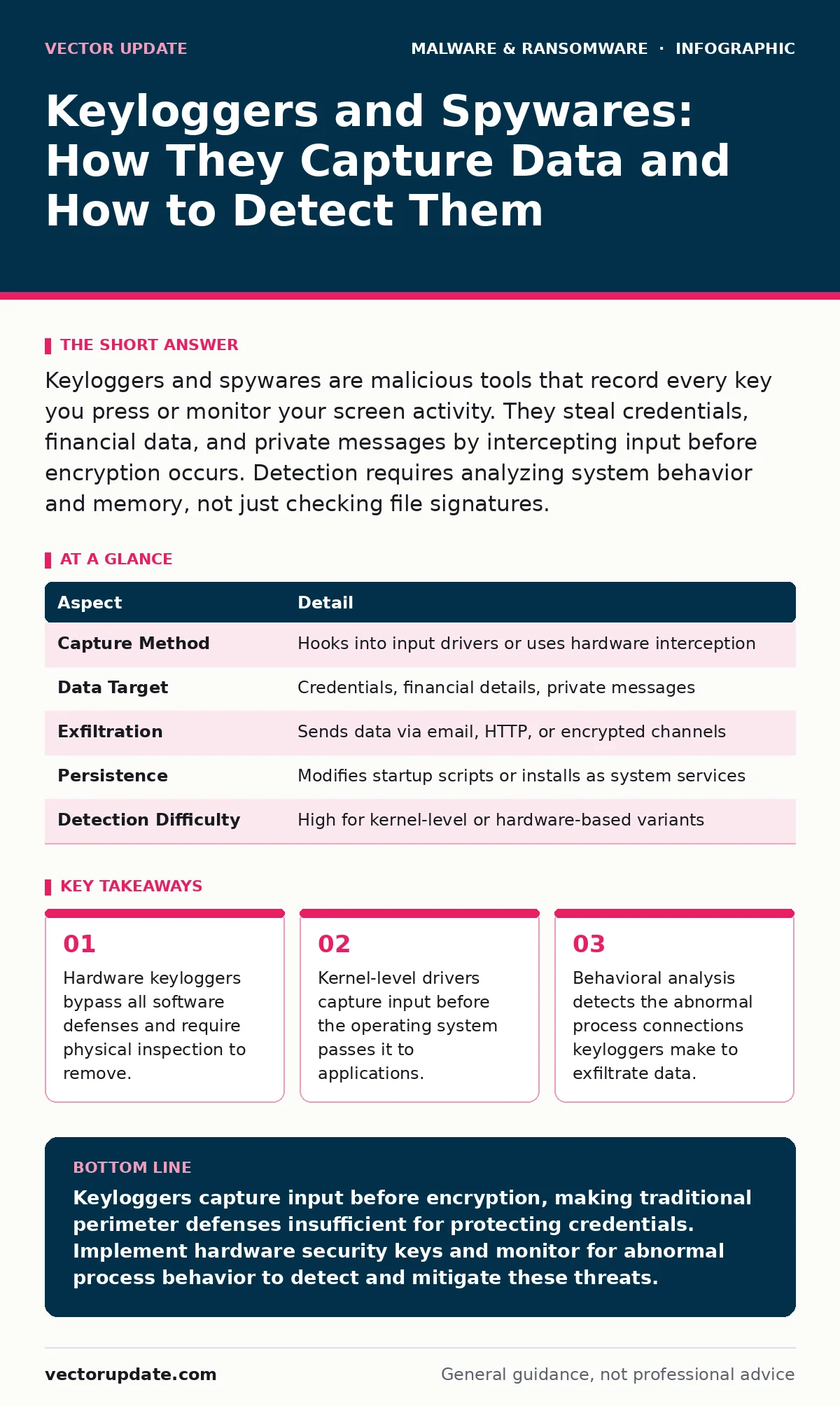
Keyloggers and spywares are malicious tools that record every key you press or monitor your screen activity. They steal credentials, financial data, and private messages by intercepting input before encryption occurs. Detection requires analyzing system behavior and memory, not just checking file signatures.
The Mechanism Behind Keyloggers and Spywares
Imagine a stenographer sitting beside you, writing down every word you type before you hit send. That is how a keylogger operates. A keylogger is a program or device that records keystrokes on an input device. Spyware is a broader category of software that monitors user activity and collects personal information without consent. Keyloggers and spywares often work together to create a complete picture of your digital behavior.
The primary goal is data interception. Attackers want passwords, credit card numbers, and sensitive documents. They achieve this by inserting themselves into the chain of communication between your fingers and the operating system. When you type a password, the keylogger sees it first. It sends a copy to the attacker. The original input continues to the login screen as if nothing happened.
This interception happens at different layers of the technology stack. Understanding which layer is compromised determines how you detect and remove the threat. Some methods are easy to spot. Others hide in plain sight within trusted system processes.
| Aspect | Detail |
|---|---|
| Capture Method | Hooks into input drivers or uses hardware interception |
| Data Target | Credentials, financial details, private messages |
| Exfiltration | Sends data via email, HTTP, or encrypted channels |
| Persistence | Modifies startup scripts or installs as system services |
| Detection Difficulty | High for kernel-level or hardware-based variants |
How Input Interception Works in Practice
Software keyloggers operate by hooking into the application programming interface (API) calls that handle keyboard input. When you press a key, the operating system generates an event. The malware places a "hook" on that event. It reads the character code. It stores the character in a local buffer. Once the buffer fills or a timer expires, the malware sends the data to a remote server.
This method is common but visible to security tools. Modern endpoint protection platforms monitor API hooks. They flag any application that attempts to read input from other applications. This is why attackers move to lower levels of the system.
Kernel-level keyloggers operate within the core of the operating system. They install a driver that sits below the standard user space. This driver sees every keystroke before the operating system translates it into a character. Because the driver runs with the highest privileges, standard security software cannot easily inspect it. The malware looks like a legitimate system component.
Hardware keyloggers bypass software entirely. These are small physical devices inserted between the keyboard cable and the computer port. They store keystrokes on an internal memory chip. They do not run any code on the computer. No antivirus software can detect a device that is not running on the machine. You must physically inspect the connection points to find them.
Who Faces the Greatest Risk
Everyone who types on a digital device is a potential target. However, certain environments present higher value to attackers. Corporate networks are primary targets because they contain access to financial systems and intellectual property. Attackers use keyloggers to steal credentials that grant lateral movement within a network.
Remote workers face unique challenges. Home networks often lack the strict monitoring found in corporate environments. A compromised home computer can serve as a bridge to corporate resources. If an employee uses the same password for work and personal accounts, a keylogger on a home machine compromises both.
Financial institutions and their customers are frequent targets. Banking trojans often include keylogging features. They capture login credentials and transaction details. Attackers use this data to authorize fraudulent transfers. The speed of exfiltration means victims often do not realize the theft until the money is gone.
Journalists, activists, and political figures are targeted by state-sponsored actors. These groups use sophisticated spyware that includes keylogging, microphone access, and location tracking. The goal is surveillance and intimidation. The malware is often delivered through targeted messages or compromised websites.
What People Usually Get Wrong
Many users believe that using a password manager eliminates the risk of keyloggers. This is only partially true. If you use a password manager that fills credentials automatically, the keylogger sees the filled text but not the keystrokes. However, if you type the master password, the keylogger captures it. Once the attacker has the master password, they have access to every stored credential.
Another common misconception is that antivirus software provides complete protection. Traditional antivirus relies on known signatures. It compares files against a database of known malware. New or custom keyloggers do not appear in this database. They execute successfully until the vendor creates a signature. By then, the damage is often done.
Users also assume that encrypted connections protect them from keyloggers. Encryption secures data in transit. It does not secure data at rest or during entry. If a keylogger captures your password before it is encrypted, the encryption is irrelevant. The attacker receives the plaintext password. They can then use it to log in from their own device, where the connection is also encrypted.
Detection Strategies for Hidden Threats
Detecting software keyloggers requires looking for abnormal behavior rather than specific files. Process monitoring tools show which applications are interacting with input devices. If a web browser or a text editor is reading input from other applications, that is a red flag. Legitimate applications do not need this capability.
Memory analysis is another effective method. Keyloggers often inject code into legitimate processes to hide. They modify the memory of a trusted program like the system explorer. Memory scanners can detect these injections. They compare the running process against the original file on disk. Differences indicate tampering.
Network monitoring reveals exfiltration attempts. Keyloggers must send the captured data somewhere. They connect to external servers. These connections often occur at regular intervals or when a certain amount of data is collected. Unusual outbound traffic to unknown domains suggests a keylogger is active. Extended detection and response (XDR) platforms correlate these signals across endpoints and network devices.
For hardware keyloggers, physical inspection is the only method. Check the connection between the keyboard and the computer. Look for unusual thickness or extra ports. Verify that the device matches the expected hardware model. In high-security environments, use keyboard isolation devices that prevent data from flowing back from the computer to the keyboard.
See also: What Is Trojans Virus: How Disguised Malware Works and How to Stop It
Mitigation and Response Steps
Prevention starts with limiting physical access to your devices. Never leave computers unattended in public spaces. Use privacy screens to prevent shoulder surfing. While this does not stop digital keyloggers, it reduces the window of opportunity for hardware attacks.
Software hygiene remains critical. Keep operating systems and applications updated. Patches often fix vulnerabilities that keyloggers exploit to install themselves. Disable unnecessary hardware interfaces when not in use. If you do not need a USB port, disable it in the BIOS or operating system settings.
Use hardware security keys for authentication. These devices generate cryptographic responses locally. They do not transmit secrets over the network. A keylogger cannot capture the private key because it never leaves the hardware token. This method effectively neutralizes the threat of credential theft via keylogging.
If you suspect a keylogger, disconnect the device from the network immediately. This stops data exfiltration. Do not attempt to remove the malware while online, as it may send a signal to the attacker that it has been detected. Boot from a clean, offline recovery drive. Scan the system for malicious drivers and services. Consider wiping and reinstalling the operating system to ensure complete removal.
The Broader Context of Endpoint Security
Keyloggers are rarely standalone threats. They are often part of a larger attack chain. Malware droppers and loaders deliver the keylogger to the system. They use legitimate tools or vulnerabilities to bypass initial defenses. Understanding the delivery method helps in prevention. Blocking the dropper prevents the keylogger from ever installing.
Infostealers are a related category of malware. They combine keylogging with browser data theft. They harvest saved passwords, cookies, and session tokens. This gives attackers immediate access to accounts without needing to type credentials. Removing infostealers requires checking browser profiles and clearing cached data.
Mobile devices face similar threats. Mobile malware can intercept touch inputs and clipboard data. Users should be cautious about granting accessibility permissions to unknown apps. These permissions allow apps to see and control other apps, including reading text input. Learn more about the specific risks in our guide on mobile malware.
In enterprise environments, keyloggers are a symptom of broader security failures. They indicate that an attacker has achieved persistence on a host. This requires a robust incident response plan. Teams must isolate affected systems, analyze the attack path, and restore operations. Refer to our guide on disaster recovery plans for structured response procedures.
Understanding the mechanics of keyloggers and spywares allows you to defend against them effectively. Focus on behavior, limit physical access, and use hardware-based authentication. These measures reduce the attack surface and protect your most sensitive data.
Key takeaways
- Hardware keyloggers bypass all software defenses and require physical inspection to remove.
- Kernel-level drivers capture input before the operating system passes it to applications.
- Behavioral analysis detects the abnormal process connections keyloggers make to exfiltrate data.
Keyloggers capture input before encryption, making traditional perimeter defenses insufficient for protecting credentials. Implement hardware security keys and monitor for abnormal process behavior to detect and mitigate these threats.
Frequently asked questions
Can a firewall stop a keylogger from stealing data?
A firewall controls network traffic but cannot prevent a keylogger from capturing keystrokes locally. It may block the exfiltration channel if configured to deny unknown outbound connections, but the data is already captured on the device.
Do password managers protect against all types of keyloggers?
Password managers protect against keystroke logging of stored credentials if they auto-fill data. They do not protect the master password if you type it manually, nor do they protect against hardware keyloggers or screen-capturing spyware.
How do I know if my keyboard has a hardware keylogger?
Inspect the physical connection between the keyboard and the computer. Look for unusual devices, extra ports, or thickness that does not match the standard cable. Compare the device serial number with the manufacturer's records if possible.
Is it safe to use a public computer for banking?
Public computers are high-risk environments for hardware and software keyloggers. Avoid entering sensitive credentials on shared devices. Use a mobile device with a private connection if you must perform financial transactions.
How this guide was produced: written by the Vector Update editorial team with AI assistance, checked against the public references listed below, and reviewed when the facts change. See our editorial policy or report an error.