Malware Droppers and Loaders Explained: How Stealthy Code Works
Droppers place malicious files on your disk while loaders inject code directly into memory, making detection significantly harder for standard security tools.
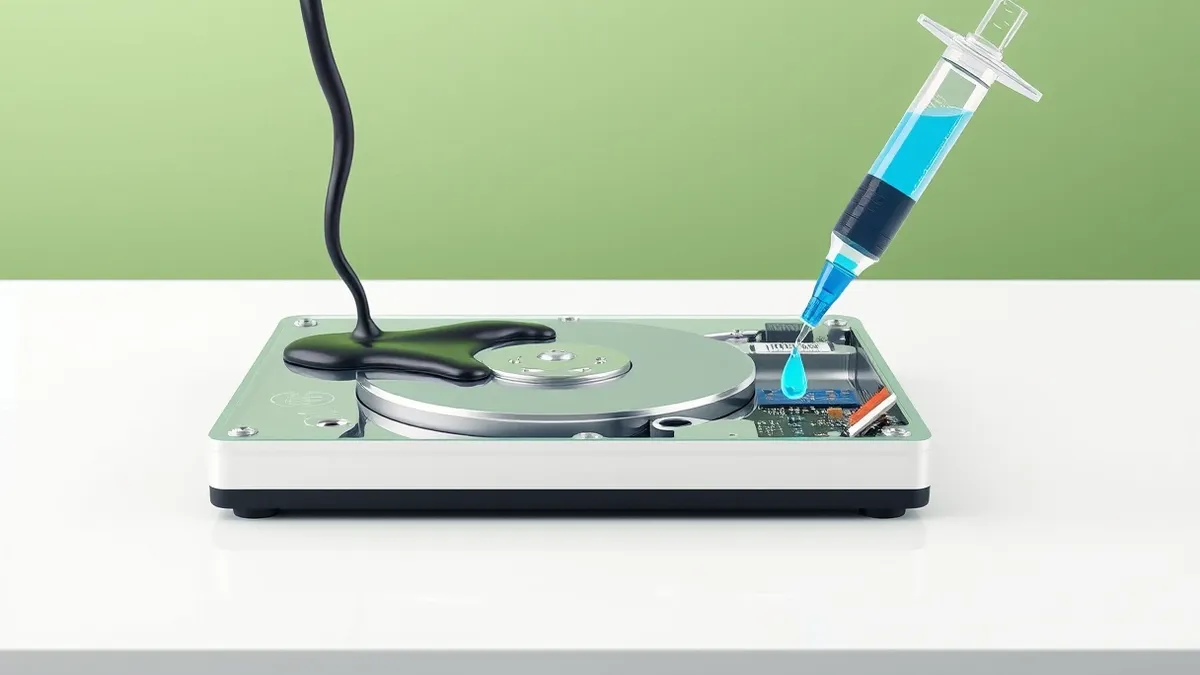
Droppers and loaders are delivery mechanisms that separate the initial infection from the main malware payload. Droppers write files to your hard drive, creating a visible trace. Loaders execute code in memory without touching the disk, hiding from file-scanning tools. Understanding this distinction helps you recognize why some infections persist even after deleting visible files.
The Supply Chain Analogy
Imagine a restaurant kitchen that never receives raw ingredients directly from farms. Instead, a delivery driver drops off sealed boxes at the back door. The chef opens the box, prepares the meal, and serves it. The driver never enters the kitchen. The box is the dropper. The preparation process is the loader. The meal is the malware payload. This separation keeps the kitchen clean of raw materials. It also hides the source of the ingredients. Attackers use this same logic to keep their malicious code hidden.
What a Dropper Does
A dropper is a small program that places a larger malware file onto your computer. It acts like the delivery driver in our analogy. The dropper often arrives disguised as a legitimate file. It might be an email attachment or a downloaded installer. Once executed, it writes the main malware payload to a folder on your hard drive. This creates a physical file that security software can scan. However, droppers often use encryption or packing to hide the payload until the last moment. This delays detection until the file is already on your system.
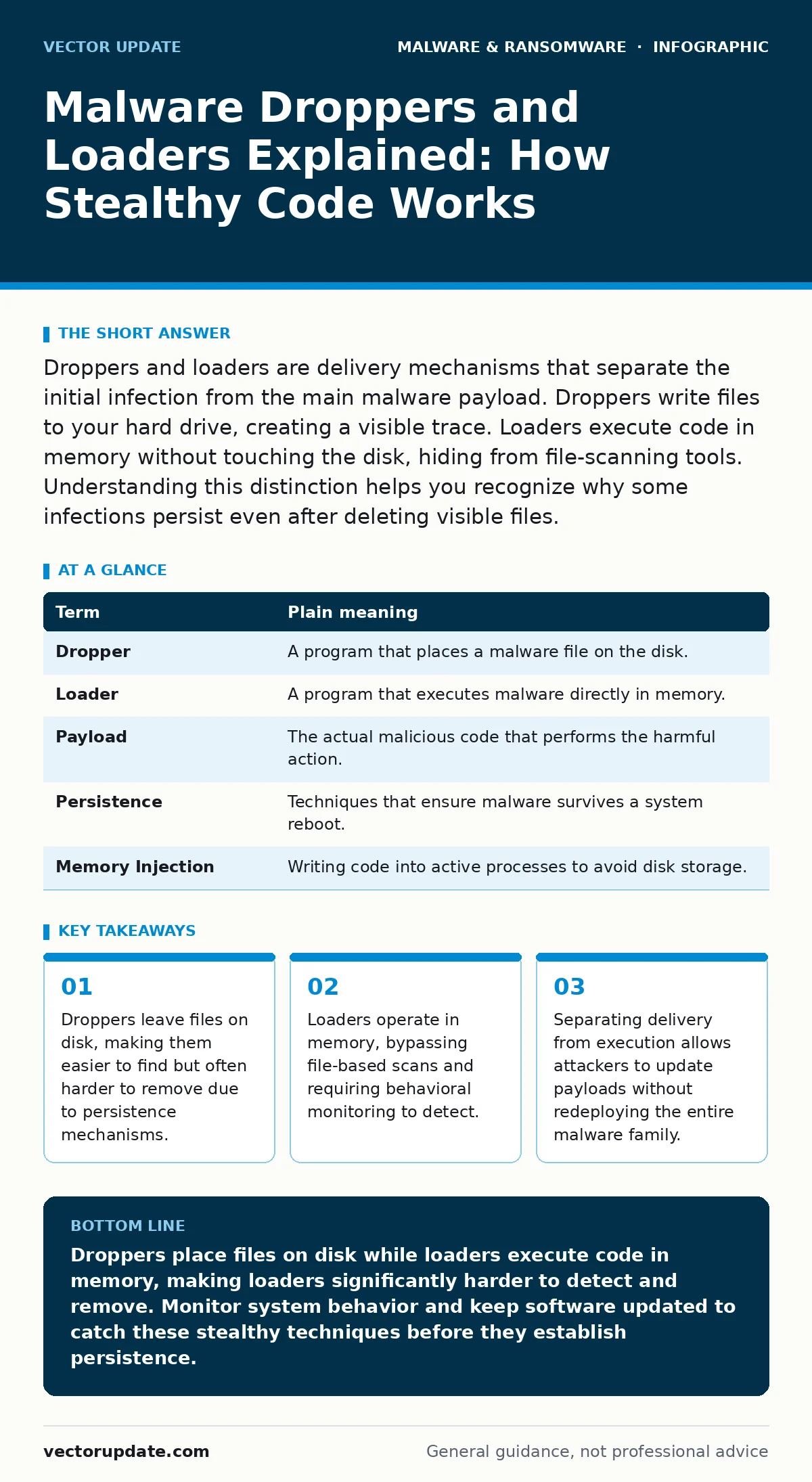
| Term | Plain meaning |
|---|---|
| Dropper | A program that places a malware file on the disk. |
| Loader | A program that executes malware directly in memory. |
| Payload | The actual malicious code that performs the harmful action. |
| Persistence | Techniques that ensure malware survives a system reboot. |
| Memory Injection | Writing code into active processes to avoid disk storage. |
What a Loader Does
A loader is different because it does not always create a file. It acts like the chef preparing the meal in the kitchen. The loader receives the malicious code and executes it directly in the computer's memory. This technique is called fileless malware. Because the code never touches the hard drive, traditional antivirus software often misses it. The loader might inject the code into a legitimate system process. This makes the malware look like part of the operating system. It is much harder to clean up because there is no file to delete.
Why Attackers Split the Code
Separating the dropper from the loader provides several tactical advantages. It allows attackers to change the payload without changing the delivery method. If security researchers block the dropper, the attacker can simply send a new payload through the same loader. It also reduces the size of the initial infection. A small dropper is easier to hide in an email or a website. This modular approach makes the malware family more resilient. It complicates the removal process for system administrators. You must address both the delivery mechanism and the execution engine.
Impact on Ordinary Users
For most users, this technical distinction means that standard cleaning methods often fail. You might delete a suspicious file, but the malware continues to run because it is in memory. This is why systems can remain compromised even after a manual cleanup. It also explains why some infections are harder to detect. The malware does not create obvious new files. It hides inside processes you already trust. This stealth makes it easier for attackers to install keyloggers or infostealers without raising alarms. These tools capture sensitive data silently.
See also: Business Continuity Planning: Fix 6 Common Misunderstandings · Keyloggers and Spywares: How They Capture Data and How to Detect Them
Simple Safety Habits
You can reduce the risk of infection by focusing on how software enters your system. Keep your operating system and applications updated. Updates often patch the vulnerabilities that droppers and loaders exploit. Use an application that monitors behavior, not just file signatures. This helps catch loaders that operate in memory. Avoid running executables from untrusted sources. Do not enable macros in documents from unknown senders. These habits prevent the initial dropper from ever reaching your system.
- Verify the source of every downloaded file before opening it.
- Enable real-time behavioral monitoring on your security software.
- Regularly review running processes for unfamiliar names or high resource usage.
Detecting and Responding
Detecting droppers is easier because they leave files on disk. You can scan for new or modified files in system directories. Detecting loaders requires monitoring system behavior. Look for legitimate processes spawning unusual child processes. This is often a sign of memory injection. If you suspect an infection, disconnect from the network immediately. This prevents the malware from communicating with its command server. Then use specialized tools to analyze memory dumps. Standard removal might not clear the infection. You may need to reinstall the operating system to ensure complete removal.
Key takeaways
- Droppers leave files on disk, making them easier to find but often harder to remove due to persistence mechanisms.
- Loaders operate in memory, bypassing file-based scans and requiring behavioral monitoring to detect.
- Separating delivery from execution allows attackers to update payloads without redeploying the entire malware family.
Droppers place files on disk while loaders execute code in memory, making loaders significantly harder to detect and remove. Monitor system behavior and keep software updated to catch these stealthy techniques before they establish persistence.
Frequently asked questions
How do I know if my computer has a loader infection?
Look for legitimate system processes that are using unusually high CPU or memory resources. Check for unexpected network connections from trusted applications. Unexplained system slowdowns can also indicate fileless malware running in memory.
Can antivirus software remove loaders?
Traditional antivirus software that only scans files often misses loaders. You need security tools that monitor behavior and memory activity. These tools can detect the unusual actions of code running in memory without a corresponding file on the disk.
Are droppers more dangerous than loaders?
Both are dangerous but in different ways. Droppers are easier to detect but can be hard to remove due to persistence. Loaders are harder to detect because they leave no file trace. Loaders are often considered more advanced because they bypass standard file-based security checks.
How does this relate to trojans?
A trojan is a type of malware that disguises itself as legitimate software. Droppers and loaders are the mechanisms that deliver and execute trojans. A trojan might use a dropper to install itself or a loader to run in memory. The delivery method does not change the malicious intent of the trojan.
How this guide was produced: written by the Vector Update editorial team with AI assistance, checked against the public references listed below, and reviewed when the facts change. See our editorial policy or report an error.