macOS security settings control access to system resources
Apple operating system controls rely on strict software isolation that stops running applications from touching hardware without explicit permission.

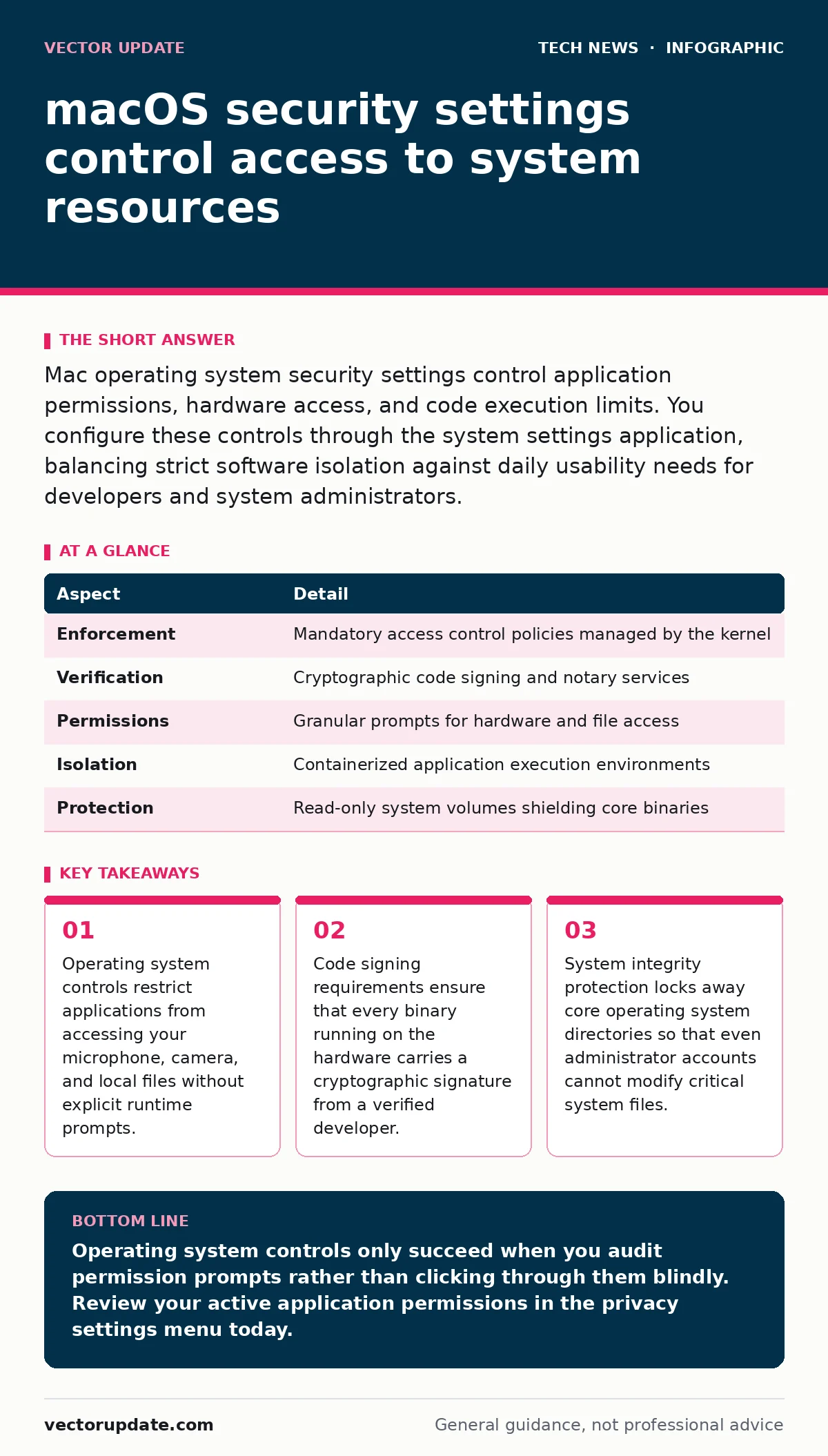
Mac operating system security settings control application permissions, hardware access, and code execution limits. You configure these controls through the system settings application, balancing strict software isolation against daily usability needs for developers and system administrators.
How macos security settings govern the operating system
MacOS security settings form a collection of policy enforcement tools that dictate what software can run, what files applications can read, and which hardware peripherals an active process can touch. Operating systems traditionally granted administrative software free reign over every hardware register and storage sector, but modern Apple hardware enforces strict boundaries around user space and kernel space.
| Aspect | Detail |
|---|---|
| Enforcement | Mandatory access control policies managed by the kernel |
| Verification | Cryptographic code signing and notary services |
| Permissions | Granular prompts for hardware and file access |
| Isolation | Containerized application execution environments |
| Protection | Read-only system volumes shielding core binaries |
Application execution relies on a chain of trust established long before a program launches on your desktop. Developers submit compiled code to Apple for automated scanning, receiving a digital notarization ticket that proves the software lacks known malware signatures. When you launch a downloaded application for the first time, the operating system verifies this ticket against revocation lists maintained by Apple servers.
Managing application execution policies and notarization
Code execution restrictions prevent unverified binaries from running on your hardware by default. Software downloaded outside the official application marketplace must pass through a quarantine attribute assigned by web browsers or mail clients during the download process.
- The operating system checks the quarantine extended attribute attached to the downloaded binary.
- Gatekeeper evaluates the developer identifier against local trust databases and revocation lists.
- Notarization tickets confirm that Apple automated scanners analyzed the binary for malicious payloads.
- The system prompts you for confirmation if the developer identity checks out but lacks official marketplace distribution.
Gatekeeper is the background daemon responsible for verifying code signatures and notarization tickets before letting a binary execute. Bypassing these checks requires deliberate terminal commands or manual overrides in the privacy settings menu, creating a deliberate friction point that stops automated malware deployment.
Understanding privacy controls and hardware permissions
Privacy controls restrict running applications from silently recording audio, capturing screen contents, or logging keystrokes without your active consent. Modern applications must request specific entitlement strings during compilation, which trigger operating system permission dialogs upon first access.
Kernel extensions historically allowed third-party security software to inspect low-level network traffic, but modern Apple silicon hardware deprecates these in favor of user-space endpoint security frameworks. This architectural shift prevents poorly written kernel drivers from causing catastrophic kernel panics, trading raw execution speed for system stability.
The hidden cost of strict application isolation
Application sandboxing forces every program to run inside a restricted container with limited access to the broader file system and inter-process communication channels. While sandboxing successfully stops rogue utilities from modifying system libraries, it breaks legacy workflows that rely on direct disk access and shared configuration folders.
Developers frequently struggle with sandbox limitations when building tools that need to inspect network packets or manage local databases outside their designated container directories. You must grant explicit full disk access or developer-specific entitlements to bypass these restrictions, which widens the attack surface of an otherwise locked-down machine.
What people usually get wrong about macos security settings
System administrators often assume that enabling file encryption through FileVault provides complete protection against offline attacks, forgetting that an active session left unlocked allows physical access exploits. Another common misconception involves treating administrator accounts as secure operational defaults, even though daily tasks should run under standard user profiles to limit blast radii.
Relying solely on default configurations leaves critical gaps in your defense posture, particularly regarding remote management services and firewall enforcement. Default firewall settings block incoming unsolicited connections, but they do nothing to inspect outbound traffic or prevent malicious payloads from communicating with command and control infrastructure over established sessions.
Key takeaways
- Operating system controls restrict applications from accessing your microphone, camera, and local files without explicit runtime prompts.
- Code signing requirements ensure that every binary running on the hardware carries a cryptographic signature from a verified developer.
- System integrity protection locks away core operating system directories so that even administrator accounts cannot modify critical system files.
Operating system controls only succeed when you audit permission prompts rather than clicking through them blindly. Review your active application permissions in the privacy settings menu today.
Frequently asked questions
How do I bypass Gatekeeper for internal software testing?
You can allow individual unverified binaries by right-clicking the application icon and selecting open, or by modifying local execution policies through the command line.
Why do applications repeatedly ask for microphone and camera access?
Privacy controls enforce strict runtime permissions that require explicit user consent for any application attempting to capture sensory input from hardware peripherals.
Does enabling FileVault slow down daily file operations?
Hardware-accelerated encryption chips built into modern Apple processors handle disk encryption with negligible performance overhead during normal file reads and writes.
What happens when an application attempts to modify protected system directories?
System integrity protection blocks write operations to core operating system paths, even when commands originate from root-level administrator accounts.
How this guide was produced: written by the Vector Update editorial team with AI assistance, checked against the public references listed below, and reviewed when the facts change. See our editorial policy or report an error.