Checking leaked email addresses: build a local lookup system
Local email checking reveals historical credential leaks without exposing your current directory to third-party databases.

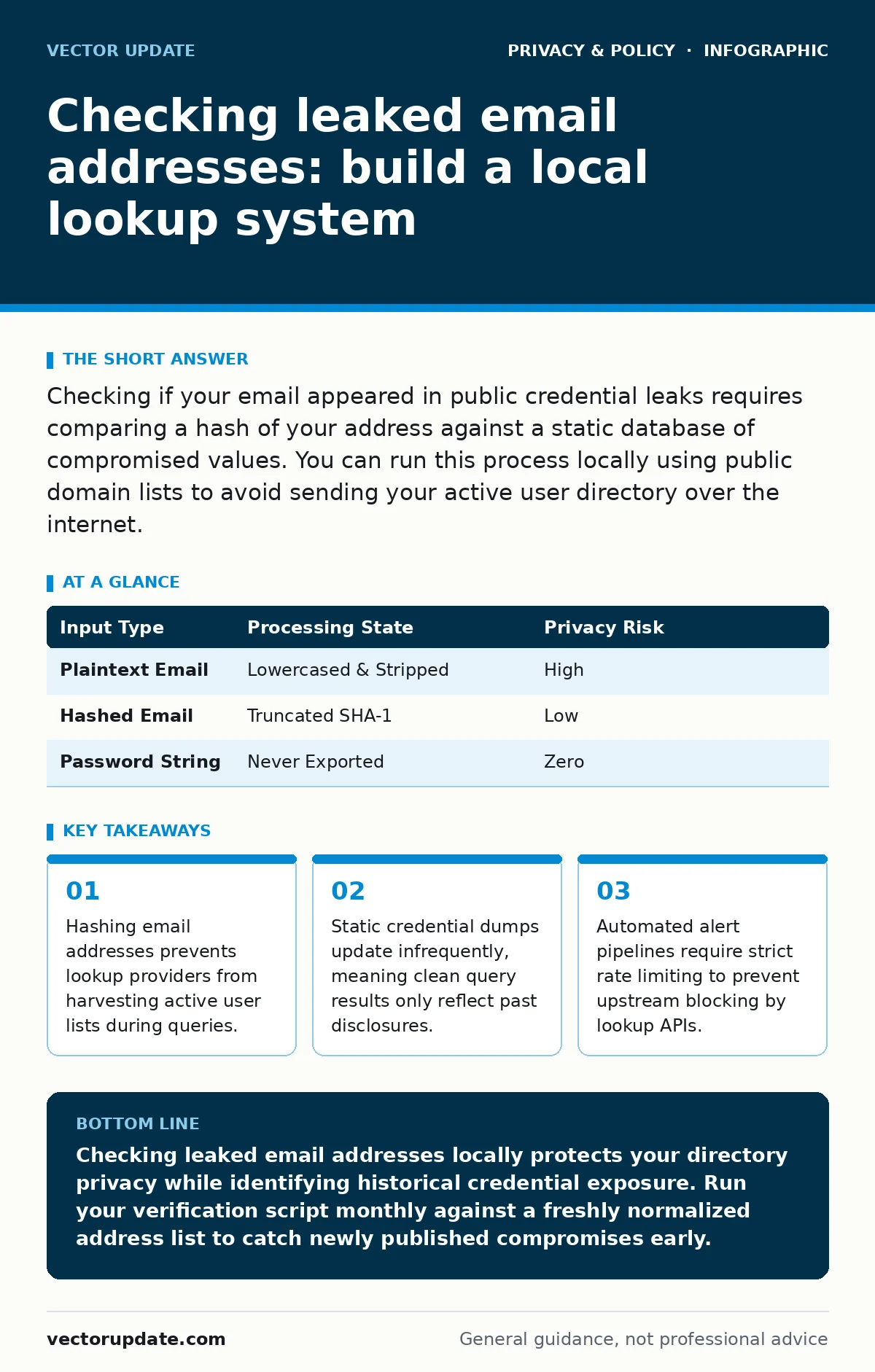
Checking if your email appeared in public credential leaks requires comparing a hash of your address against a static database of compromised values. You can run this process locally using public domain lists to avoid sending your active user directory over the internet.
Preparing Your Local Environment
Preparing an email checking system requires gathering the right tools and data formats before writing any scripts. You need a command-line environment with a scripting language capable of handling cryptographic hash functions. Python or similar interpreters work well for parsing large text files without consuming excessive memory. You also need a local storage mechanism, such as a plain text file or a lightweight database, to hold the reference hashes.
Cryptographic hash functions transform data into fixed-length strings that cannot be reversed to reveal the original input. The most common format for credential leaks relies on the SHA-1 hash algorithm. You must normalize all target email addresses to lowercase before hashing them to ensure consistent matches. Failing to lowercase addresses before processing causes silent failures where genuine matches go undetected due to capitalization mismatches.
Memory management remains a primary challenge when handling multi-gigabyte files containing millions of compromised credentials. Loading an entire leak database into RAM will crash standard workstations. You must design your ingestion scripts to read files line by line or use indexed database structures.
Step 1: Exporting Target Email Addresses
Step 1: Exporting Target Email Addresses
Exporting your organization or personal email addresses forms the foundation of the checking pipeline. You must extract a clean list of active addresses from your mail server or directory service. Strip out unnecessary metadata such as display names, creation dates, and internal routing tags. Output the final data into a simple flat file with one email address per line.
Verifying that the export succeeded involves checking the line count of your output file against your known user total. Open the file in a terminal and run a basic line-counting utility to confirm the numbers match. If the counts differ, inspect the export script for handling of special characters or internationalized domain names. Clean data at this stage prevents parsing errors during the hashing phase.
Step 2: Hashing the Address List
Step 2: Hashing the Address List
Hashing your target addresses protects privacy by ensuring you never transmit plaintext email addresses over the public internet. Write a short script that reads each line of your export file, converts the string to lowercase, and computes its cryptographic hash. Output these hashes into a new working file. This transformation is one-way, meaning nobody can reconstruct the original email address from the resulting hash string alone.
Checking that the hashing worked requires comparing a known test address against a manually generated hash value. Run your script on a dummy address and verify the output matches a standard online calculator result. If the strings match, your encoding and lowercasing logic function correctly. You can now process your entire batch of addresses safely.
| Input Type | Processing State | Privacy Risk |
|---|---|---|
| Plaintext Email | Lowercased & Stripped | High |
| Hashed Email | Truncated SHA-1 | Low |
| Password String | Never Exported | Zero |
Step 3: Querying the Leak Database
Step 3: Querying the Leak Database
Querying external lookup services requires utilizing partial hash transmission to preserve confidentiality. Modern checking protocols send only the first few characters of a hash to the provider, who then returns all matching full hashes. Your local script receives this batch and checks if your complete hash exists in the returned set. This k-anonymity approach ensures the remote server never learns your full hash or your email address.
Confirming the query mechanism works involves testing an address you know appears in historical breaches. Run the lookup script for that specific test address and verify that a positive match returns in your terminal. If the script flags the known compromised address while passing clean addresses quietly, the query logic is sound. Automated scripts often fail silently if network timeouts occur, so always include explicit error handling for connection drops.
Verifying Your Verification Pipeline
Verifying your verification pipeline guarantees that your automation runs reliably without creating false alarms. You should schedule your checking script to execute during off-peak hours to minimize network contention. Monitor the execution logs for unexpected connection resets or abrupt termination errors. If your script processes thousands of checks per minute, upstream rate limiters may block your IP address temporarily.
Maintaining operational security during automated checks involves rotating outgoing IP addresses if you query large volumes of data. Consider reviewing your digital privacy rights before deploying automated lookup tools across corporate networks. Organizations often restrict automated external queries due to compliance policies regarding data leakage. Always ensure your checking frequency complies with the acceptable use policies of the lookup providers you utilize.
Managing False Positives and Remediation
Managing false positives requires understanding that historical credential leaks do not automatically mean active compromise. A leaked password from an unrelated third-party service often has no bearing on current corporate security unless users reuse credentials. When a match appears, verify whether the associated account uses a unique password before forcing a reset. Forcing unnecessary password resets frequently leads to employees choosing weaker, predictable replacement strings.
Remediation steps must focus on account isolation rather than panic-driven shutdowns. If an active account appears in a credential leak, prompt the user to enable multi-factor authentication immediately. Combining breach checks with reducing your digital footprint helps users understand how personal data exposure occurs across unrelated platforms. Educating users on credential hygiene prevents recurrence far better than reactive account locking.
Key takeaways
- Hashing email addresses prevents lookup providers from harvesting active user lists during queries.
- Static credential dumps update infrequently, meaning clean query results only reflect past disclosures.
- Automated alert pipelines require strict rate limiting to prevent upstream blocking by lookup APIs.
Checking leaked email addresses locally protects your directory privacy while identifying historical credential exposure. Run your verification script monthly against a freshly normalized address list to catch newly published compromises early.
Frequently asked questions
Do leak checking tools expose my passwords to attackers?
Proper checking tools only process email addresses or cryptographic hashes of credentials, never plaintext passwords. Remote services receive truncated hashes rather than complete data strings, preventing them from recovering your actual secret values.
How often should I check my email addresses for compromise?
Running checks on a monthly schedule balances resource consumption with timely awareness of new disclosures. More frequent automated checks risk triggering rate limits on public lookup APIs.
Why do some clean email addresses trigger false alerts?
Hash collisions can occasionally cause unrelated addresses to share a truncated prefix, though cryptographic algorithms minimize this risk. Always verify full hash matches locally before initiating any remediation workflows.
Can I check historical leaks without an internet connection?
Local checking requires downloading the complete offline database of compromised hashes, which often spans gigabytes of storage. Most administrators prefer partial hash queries over the internet to avoid managing massive local database updates.
How this guide was produced: written by the Vector Update editorial team with AI assistance, checked against the public references listed below, and reviewed when the facts change. See our editorial policy or report an error.