Conditional Access vs Compliance Policy: The Real Difference
Conditional access controls entry based on real-time signals, while compliance policies enforce static configuration baselines across your entire infrastructure.

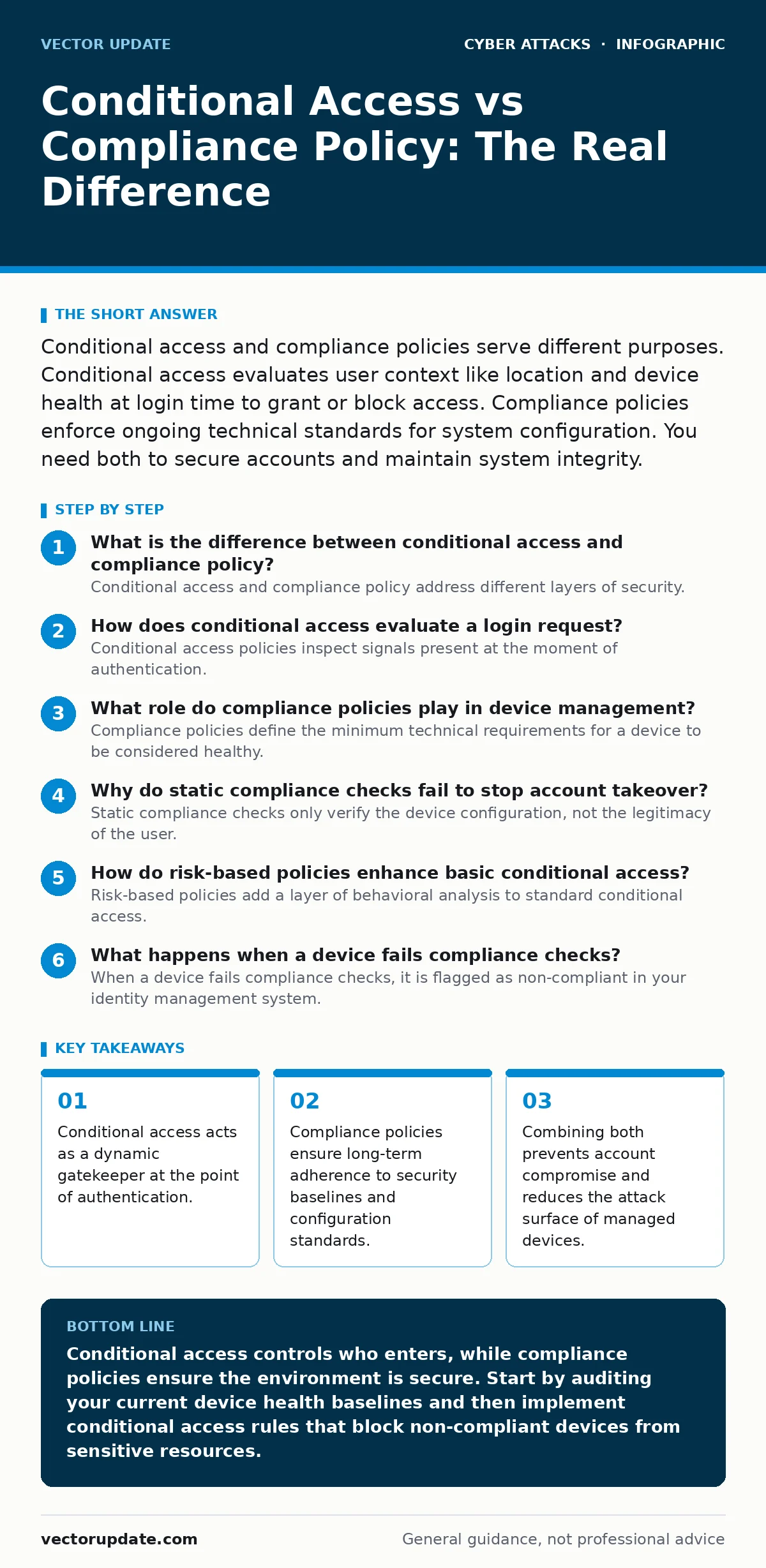
Conditional access and compliance policies serve different purposes. Conditional access evaluates user context like location and device health at login time to grant or block access. Compliance policies enforce ongoing technical standards for system configuration. You need both to secure accounts and maintain system integrity.
What is the difference between conditional access and compliance policy?
Conditional access and compliance policy address different layers of security. Conditional access evaluates the context of a specific login attempt to decide whether to allow or block it. Compliance policy defines the required technical state of a device or service. One controls entry, while the other controls the environment. You cannot replace one with the other because they operate on different timelines and data sources.
How does conditional access evaluate a login request?
Conditional access policies inspect signals present at the moment of authentication. These signals include the user’s geographic location, the health status of the device, and the risk level associated with the account. If the signals match your defined rules, the system grants access. If they do not, the system blocks the login or requires additional verification. This evaluation happens in milliseconds before the user sees any application content.
What role do compliance policies play in device management?
Compliance policies define the minimum technical requirements for a device to be considered healthy. These requirements might include disk encryption, updated operating systems, or the presence of endpoint protection. The system checks the device against these rules periodically, not just at login. A device that fails these checks is marked as non-compliant. This status can then trigger conditional access rules to restrict what that device can access.
Why do static compliance checks fail to stop account takeover?
Static compliance checks only verify the device configuration, not the legitimacy of the user. Imagine a fully compliant laptop stolen by an attacker. The device meets all technical requirements, so compliance policies report it as healthy. Without conditional access, the attacker can log in freely. Conditional access detects the anomalous location or behavior and blocks the session, even though the device itself is compliant. This is why you must pair both controls to prevent account takeover.
How do risk-based policies enhance basic conditional access?
Risk-based policies add a layer of behavioral analysis to standard conditional access. Instead of just checking device health, they analyze patterns of user activity. If a user logs in from an impossible travel location, the system flags the session as risky. You can then configure the policy to require multi-factor authentication or block the login entirely. This dynamic response adapts to threats in real time, unlike static rules that remain unchanged.
See also: How to Detect Dictionary Attacks in System Logs
What happens when a device fails compliance checks?
When a device fails compliance checks, it is flagged as non-compliant in your identity management system. This flag is a signal, not an automatic block. You must configure conditional access policies to act on this signal. For example, you might allow non-compliant devices to access email but block them from accessing financial applications. This granular control ensures users can still work while limiting exposure to sensitive data.
| Policy Type | Trigger Mechanism | Primary Goal | Enforcement Scope |
|---|---|---|---|
| Conditional Access | Login attempt | Control entry | Per-session, per-user |
| Compliance Policy | Periodic scan | Enforce baseline | Device-wide, ongoing |
How do you prevent lockouts with strict policies?
Strict policies can accidentally lock out legitimate users. To prevent this, create exception groups for IT administrators and emergency access accounts. These accounts bypass strict conditional access rules to allow troubleshooting. You must also test policies in report-only mode before enforcing them. This mode logs what would have happened without actually blocking users. It reveals conflicts and unintended consequences before they impact productivity.
What is the relationship between endpoint protection and compliance?
Endpoint protection software often provides the telemetry needed for compliance policies. The software reports whether antivirus definitions are current and whether the firewall is active. Compliance policies use this data to determine device health. If the endpoint protection agent stops reporting, the device may be marked as non-compliant. This integration ensures that security tools work together to maintain a consistent security posture across your organization.
How do you handle legacy applications that break modern controls?
Legacy applications often do not support modern authentication protocols required by conditional access. You cannot simply block them without disrupting business operations. Instead, create specific conditional access policies that relax requirements for these applications. Limit access to these applications to specific user groups or trusted networks. Monitor these exceptions closely and plan for migration to supported applications. This approach balances security with operational continuity.
Why is privileged access management critical for admin accounts?
Administrative accounts have elevated privileges that can compromise entire systems. Standard conditional access policies may not be strict enough for these accounts. Privileged access management adds additional controls, such as just-in-time access and session recording. You should configure conditional access to require multi-factor authentication for all admin logins, regardless of location. This ensures that even if an attacker obtains credentials, they cannot easily escalate privileges.
How do you monitor the effectiveness of your policies?
Regular review of policy logs is necessary to identify gaps and improve security. Look for failed login attempts that were blocked by conditional access. Analyze the reasons for these blocks to detect potential threats like password spraying or dictionary attacks. Review compliance reports to identify devices that consistently fail checks. Use this data to refine your policies and address underlying security issues. Continuous monitoring ensures your controls remain effective against evolving threats.
Key takeaways
- Conditional access acts as a dynamic gatekeeper at the point of authentication.
- Compliance policies ensure long-term adherence to security baselines and configuration standards.
- Combining both prevents account compromise and reduces the attack surface of managed devices.
Conditional access controls who enters, while compliance policies ensure the environment is secure. Start by auditing your current device health baselines and then implement conditional access rules that block non-compliant devices from sensitive resources.
Frequently asked questions
Can I use conditional access to replace endpoint protection?
No, conditional access controls access based on signals, while endpoint protection actively defends against malware and threats on the device. They serve different functions and must be used together.
Do compliance policies work for cloud-only environments?
Yes, compliance policies can enforce configuration standards for cloud resources and virtual desktops, not just physical devices. You define the required state and the system checks for adherence.
How do I handle guest users with conditional access?
Create separate conditional access policies for guest users that restrict access to specific applications and networks. This prevents guests from accessing internal resources while allowing collaboration on shared files.
What is the impact of conditional access on user experience?
Well-designed conditional access minimizes friction by allowing seamless access for compliant devices and users. Only suspicious or non-compliant sessions trigger additional steps like multi-factor authentication.
How this guide was produced: written by the Vector Update editorial team with AI assistance, checked against the public references listed below, and reviewed when the facts change. See our editorial policy or report an error.