How Privileged Access Management Works: The Mechanics Behind Secure Admin Rights
Privileged access management replaces static passwords with dynamic, time-limited credentials that exist only for the duration of a specific administrative task.

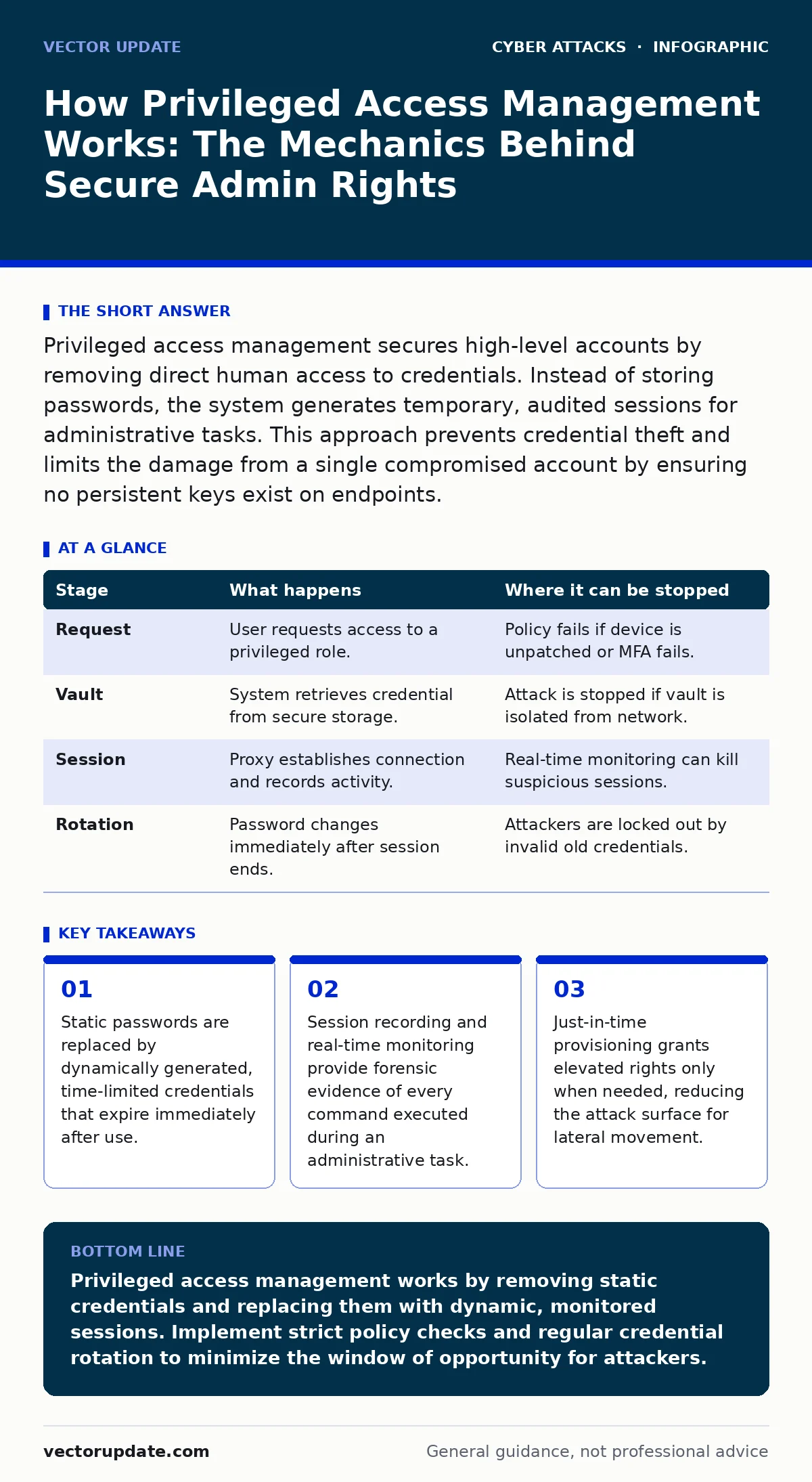
Privileged access management secures high-level accounts by removing direct human access to credentials. Instead of storing passwords, the system generates temporary, audited sessions for administrative tasks. This approach prevents credential theft and limits the damage from a single compromised account by ensuring no persistent keys exist on endpoints.
How Privileged Access Management Works
You need to understand the mechanical shift from identity to session. Traditional security relies on the user remembering and protecting a static password. Privileged access management flips this model. The human user never holds the actual administrative credential. The system holds it, protects it, and hands it over only when specific conditions are met. This separation of duty is the core mechanism that stops attackers from simply stealing a password file and running with it.
The process begins with a request. You do not log in with your normal user account to perform admin tasks. You request access to a specific privileged role. The system evaluates this request against predefined policies. These policies check your identity, your device status, and the context of the request. If the request passes, the system does not give you a password. It establishes a controlled session.
Stage 1: Identity Verification and Policy Evaluation
The first step is proving who you are and whether you should have access right now. The system checks your primary identity against the directory. It then applies conditional access policies. These policies might require multi-factor authentication or verify that your device has the latest security patches. If your device is unmanaged or missing updates, the request fails immediately. This stage ensures that even if an attacker has your username and password, they cannot proceed without meeting the environmental requirements.
This step is where many organizations fail by setting policies too broadly. If the policy only checks identity and ignores device health, an attacker with stolen credentials on a clean, external machine can bypass this layer. The verification must be strict. It must evaluate the risk of the specific request, not just the identity of the requester. This is the first line of defense against account takeover attempts.
Stage 2: Credential Vaulting and Retrieval
Privileged credentials are stored in a secure vault, not in a text file or a shared spreadsheet. The vault is an isolated system that only the privileged access management platform can query. When your request is approved, the platform retrieves the credential from the vault. It does not send the password to your screen. Instead, it uses the credential to initiate a connection to the target system on your behalf. You see the session start, but you never see the password characters.
This isolation is critical. If an attacker compromises your workstation, they cannot scan your memory or disk for the admin password because it was never written to your local system. The credential exists only in the vault and in the transient memory of the PAM session broker. This design eliminates the risk of credential harvesting from endpoints. It also prevents insiders from copying passwords for later misuse.
Stage 3: Session Execution and Monitoring
Once the connection is established, the session begins. The PAM system acts as a proxy between you and the target system. Every keystroke and command is recorded. This recording is not just for compliance. It allows for real-time monitoring. Security teams can watch the session live. If they see a command that deletes a database or exfiltrates data, they can terminate the session immediately. This active intervention capability is a significant advantage over passive logging.
The monitoring also detects anomalous behavior. If an admin starts running scripts that scan for other systems, the system flags this as potential lateral movement. The session recording provides a complete audit trail. If an incident occurs, investigators can replay the session to see exactly what happened. This transparency creates accountability. Admins know their actions are watched, which reduces careless behavior and malicious intent.
Stage 4: Session Termination and Credential Rotation
When the task is complete, the session ends. The connection to the target system is closed. The PAM system then rotates the credential. It changes the password for the privileged account to a new, random value. This ensures that even if an attacker recorded the session or intercepted the traffic, the password they might have seen is now useless. The old credential is destroyed. The new one is stored securely in the vault.
This rotation happens automatically. It does not require human intervention. This eliminates the lag time where a compromised password remains valid. In traditional models, a password might be valid for months. In a PAM model, it is valid for minutes. This drastically reduces the window of opportunity for attackers. It also simplifies compliance reporting, as every access event is tied to a unique, short-lived credential.
| Stage | What happens | Where it can be stopped |
|---|---|---|
| Request | User requests access to a privileged role. | Policy fails if device is unpatched or MFA fails. |
| Vault | System retrieves credential from secure storage. | Attack is stopped if vault is isolated from network. |
| Session | Proxy establishes connection and records activity. | Real-time monitoring can kill suspicious sessions. |
| Rotation | Password changes immediately after session ends. | Attackers are locked out by invalid old credentials. |
Hidden Costs and Edge Cases
Privileged access management is not a silver bullet. It introduces complexity. Administrators may resist the extra steps required to get access. This friction can lead to workarounds. If the process is too slow, admins might create shadow IT accounts or share credentials verbally. These behaviors bypass the PAM controls entirely. You must balance security with usability. If the system is too cumbersome, people will find ways around it.
Another edge case is emergency access. Sometimes, a system fails, and the PAM platform itself is down. If there is no break-glass procedure, you lose access to your own infrastructure. You must have a manual, highly secured fallback method for these rare events. This fallback must be protected physically and procedurally. It should never be used for routine tasks. Regular audits of these emergency accounts are necessary to ensure they have not been compromised.
Integration with other security tools is also vital. PAM should feed logs into your intrusion detection systems. This allows for correlation. If PAM sees a successful login and IDS sees unusual outbound traffic, the combined alert is much stronger. Endpoint protection must also trust the PAM agent. If the endpoint software blocks the PAM session broker, the admin cannot work. You need to ensure these systems play nicely together.
Maintaining the Control Plane
The PAM platform itself becomes a high-value target. Attackers know that if they compromise the PAM system, they gain access to all privileged accounts. You must secure the PAM infrastructure with the highest level of rigor. This includes strict access controls for the PAM administrators themselves. Only a few people should have the ability to configure the PAM system. Their access should be monitored and audited just like any other admin.
Regular reviews of policies are necessary. As your infrastructure changes, old policies may become obsolete or too broad. You should review who has access to which systems and why. Remove access that is no longer needed. This principle of least privilege must be applied to the PAM roles as well. Do not give PAM admins blanket access to all systems. Give them access only to the systems they manage.
Supply chain attacks can also target PAM vendors. If the vendor's software has a vulnerability, your entire privileged access layer is at risk. Keep the PAM software updated. Monitor for security advisories. Consider using conditional access policies to restrict where the PAM console can be accessed from. This limits the exposure if the vendor's software is compromised.
The Future of Privileged Access
The trend is moving toward passwordless authentication. Biometrics and hardware keys are replacing passwords for initial identity verification. PAM systems are adapting to support these methods. This reduces the reliance on something you know, which can be stolen. It increases reliance on something you are or something you have, which is harder to replicate.
Just-in-time access is becoming standard. Instead of having permanent admin rights, users get rights for a specific time window. This reduces the standing privileges that attackers love to exploit. The future of PAM is dynamic, contextual, and automated. Static passwords will become relics. Your strategy must evolve to keep pace with these changes.
Key takeaways
- Static passwords are replaced by dynamically generated, time-limited credentials that expire immediately after use.
- Session recording and real-time monitoring provide forensic evidence of every command executed during an administrative task.
- Just-in-time provisioning grants elevated rights only when needed, reducing the attack surface for lateral movement.
Privileged access management works by removing static credentials and replacing them with dynamic, monitored sessions. Implement strict policy checks and regular credential rotation to minimize the window of opportunity for attackers.
Frequently asked questions
Does PAM replace multi-factor authentication?
No, PAM works alongside MFA. MFA verifies the user's identity, while PAM secures the privileged credential and monitors the session. Both are necessary for a layered defense.
Can PAM protect against insider threats?
PAM significantly reduces insider risk by removing direct access to credentials and recording all actions. However, it cannot stop a malicious admin who is authorized to perform harmful actions within their scope.
How does PAM handle service accounts?
PAM manages service accounts by rotating their passwords automatically and restricting their use to specific applications. This prevents service account credentials from being used for interactive logins or lateral movement.
What happens if the PAM system goes offline?
You must have a break-glass procedure. This involves a manually protected, offline credential or a secondary, highly restricted access method. This ensures you can still access critical systems during a PAM outage.
How this guide was produced: written by the Vector Update editorial team with AI assistance, checked against the public references listed below, and reviewed when the facts change. See our editorial policy or report an error.